Create Wiki · Create Big Cannons
Cannon Mount
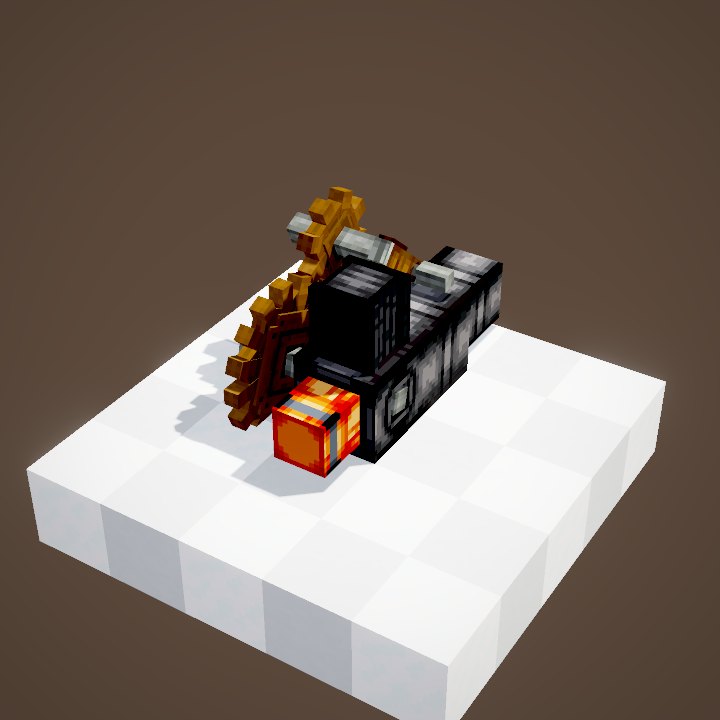
The Cannon Mount is the heart of every Create Big Cannons battery. Placed under the cannon blocks, it assembles them into one moving piece, turns Create rotation into elevation and direction, then fires. Everything is driven by redstone and two shafts.
Quick facts
- Elevation (big cannon)
- From -30° to +60°; upside-down mount: from -90° to +15°
- Elevation (autocannon / mortar)
- Autocannon -45° to +90°; drop mortar +15° to +85°
- Aiming speed
- speed × 0.3 × 0.125 degree per tick: 24°/s at 32 RPM
- Stress
- Number of cannon blocks × material weight (cast iron 3, steel 5) per RPM, on each shaft
- Control faces
- Hammer: assemble (held signal); lit face: fire
- Recoil
- None on a mount: the cannon does not move when it fires
- Fixed Cannon Mount
- No rotation: angles set by hand, from -90° to +90°
- Version
- Create Big Cannons 5.11.7 · Create 6.0.10 · Minecraft 1.21.1
Crafting table recipe
→ 1 Cannon Mount
Placing and assembling
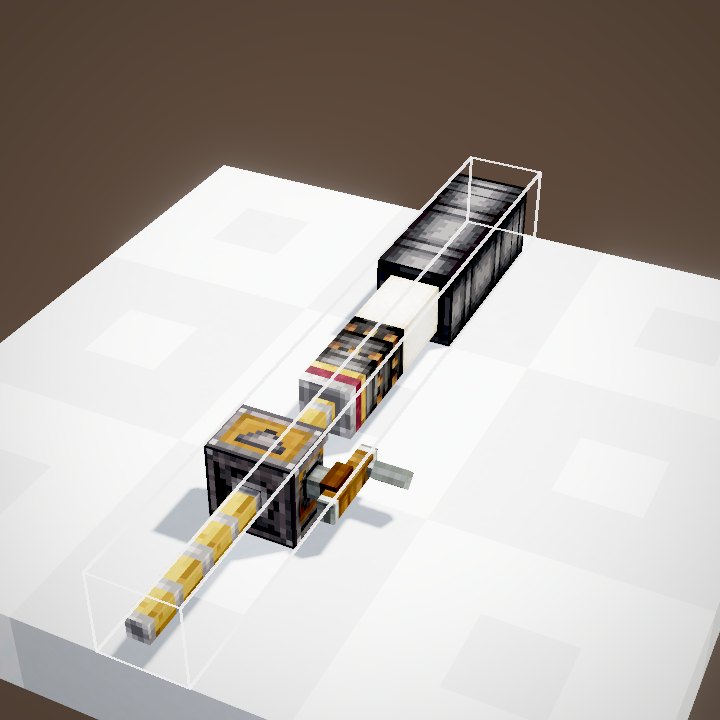
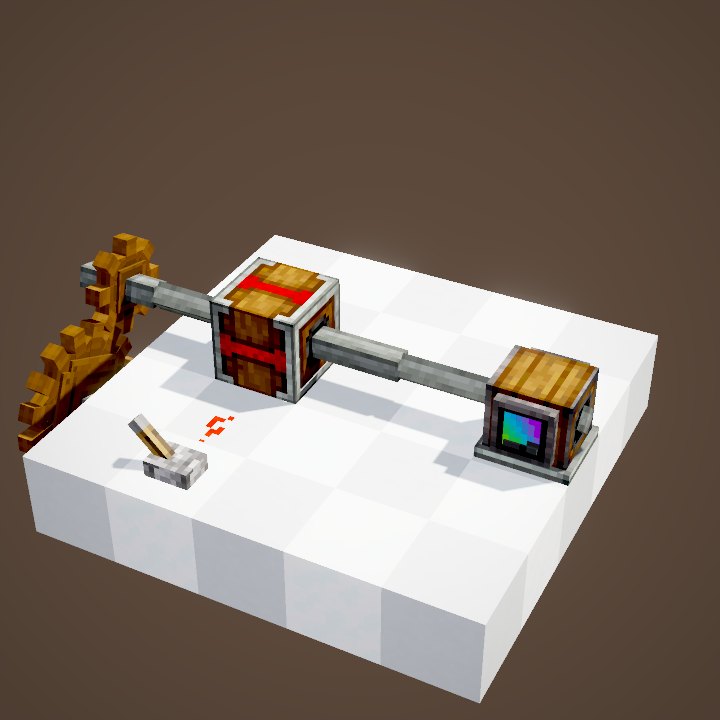
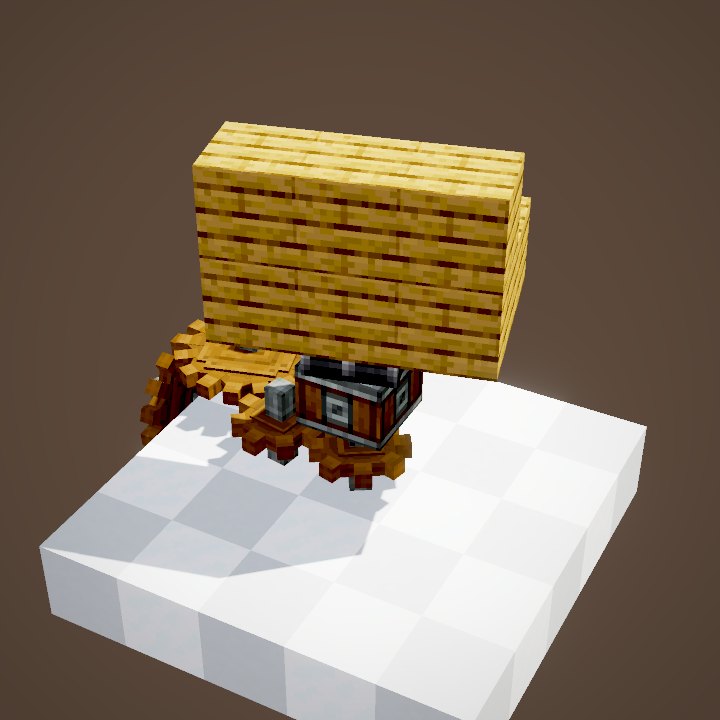
Place the mount, then the cannon blocks along the axis you want, the first block two blocks above the mount: the block right above it is the turntable. Then send a held redstone signal into the hammer face: the cannon becomes a contraption that follows the mount. Keep the hammer powered as long as you want to aim and fire. Load the cannon before assembling it: once assembled it cannot be reloaded through the muzzle.
Elevation and direction
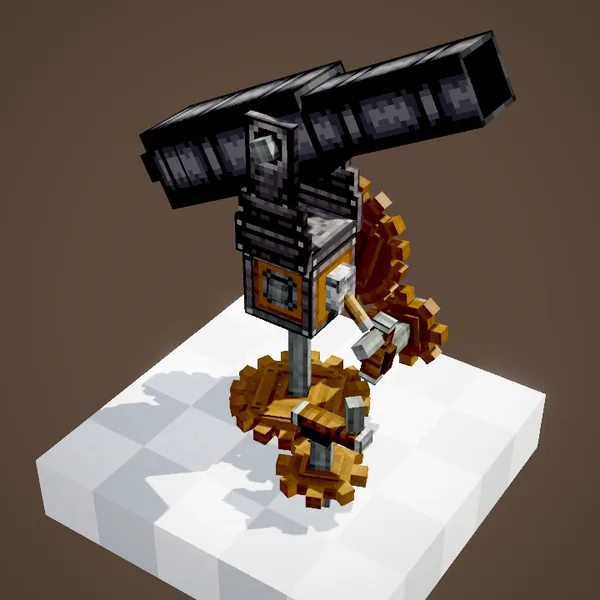
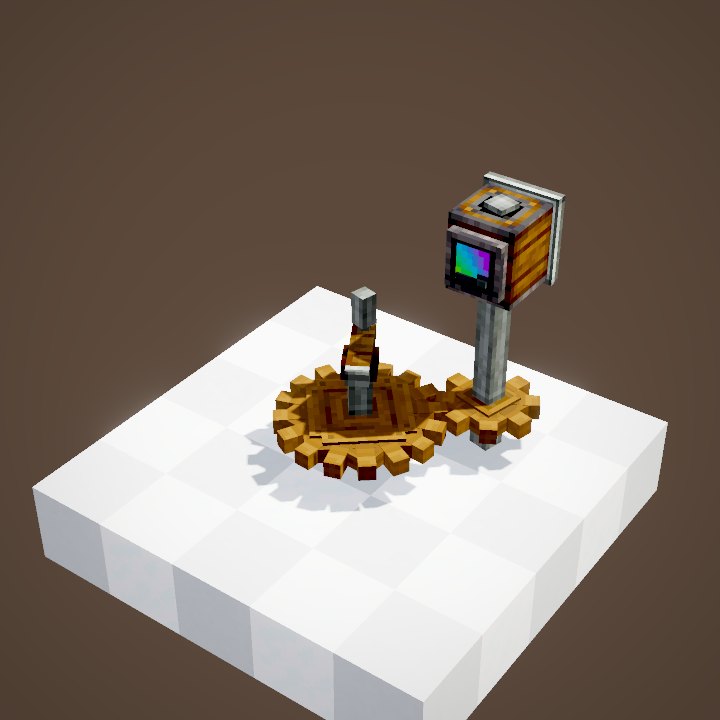
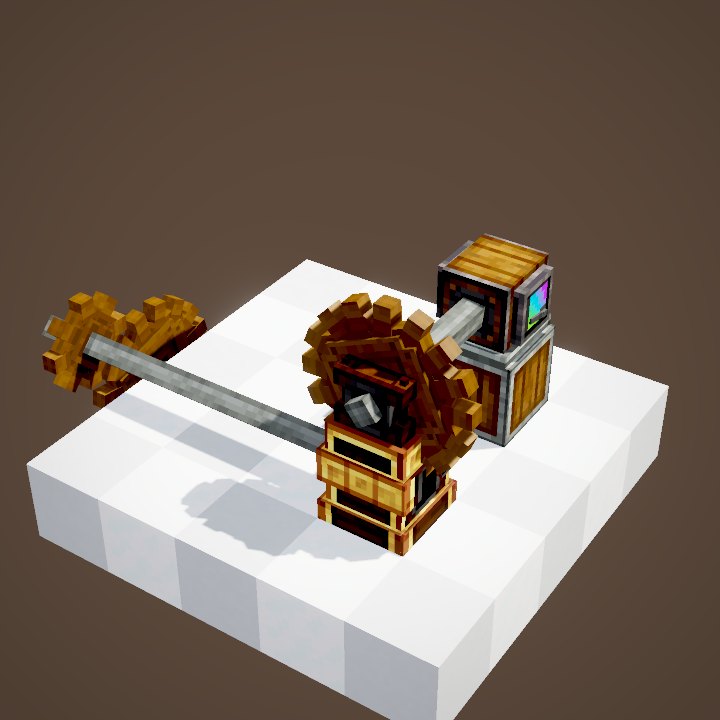
The mount has two rotation inputs. The side shaft sets the elevation: the cannon raises or lowers its nose. The shaft underneath swings its direction through 360°. The aiming speed is the shaft speed × 0.3 × 0.125 degree per tick: with a Hand Crank at 32 RPM, 24° per second. The spinning direction picks the direction of the motion. The stress it asks for is the number of cannon blocks times the material weight.
Going all the way round
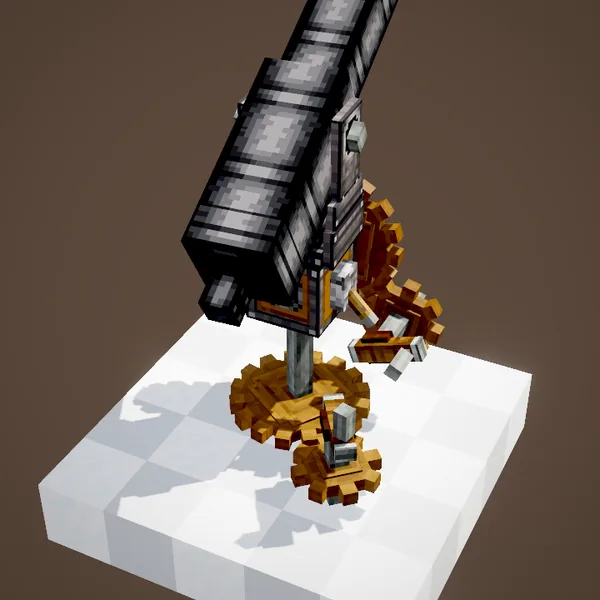
During the full turn in the video, the lower shaft keeps spinning and the cannon keeps its elevation. The turntable and the carriage axle follow the cannon. To aim far, a Gearshift on each shaft lets you correct both ways without rebuilding anything. A Rotation Speed Controller gives slow, precise aiming.
Firing
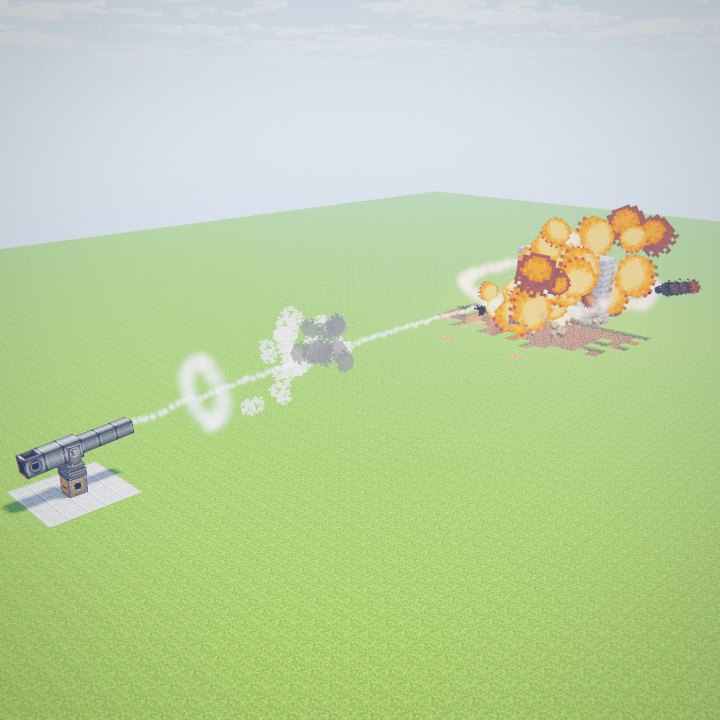
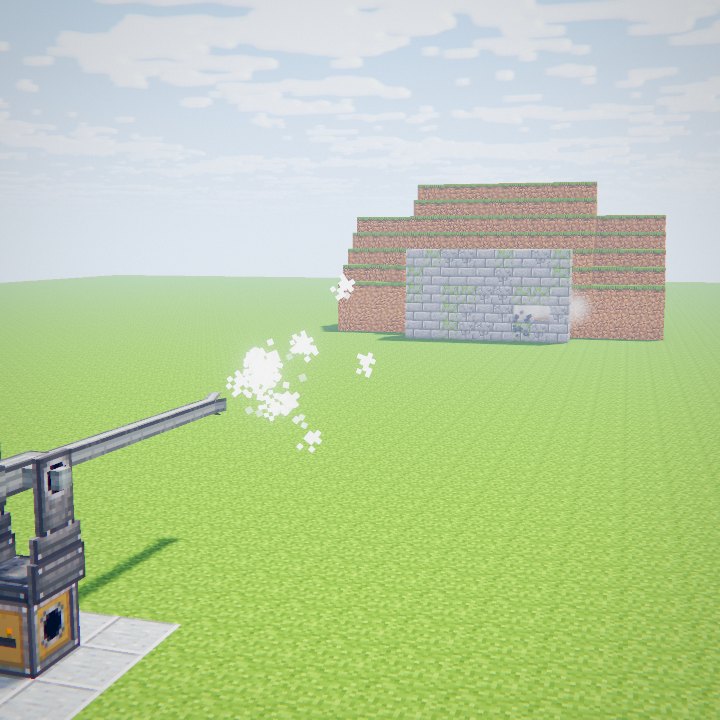
The lit face (the one with the fuse) is the trigger: a redstone signal on it ignites the powder. On a big cannon, one pulse fires one shot. On a mount, the cannon does not recoil. After the shot you have to reload: cut the hammer, the cannon disassembles and instantly returns to the angle it had when it was assembled.
Disassembling to reload
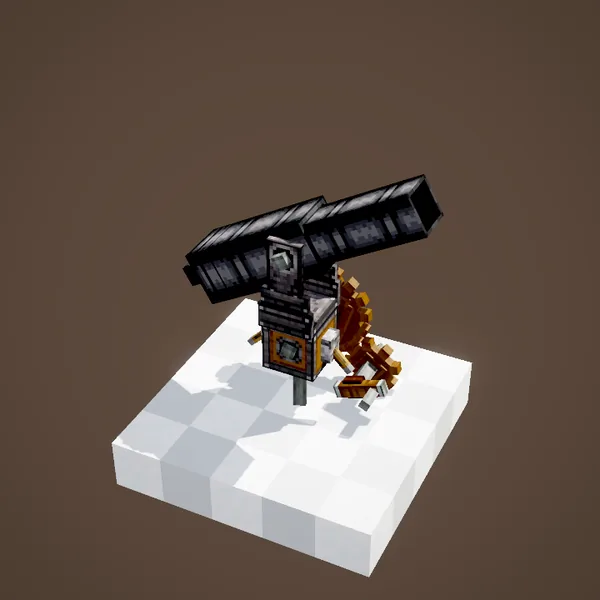
Disassembled, the cannon is a row of blocks again: you can reload it through the muzzle with a Cannon Loader, then assemble it again. With a Quick-Firing Breech, you reload from the back without disassembling.
Upside down, extensions
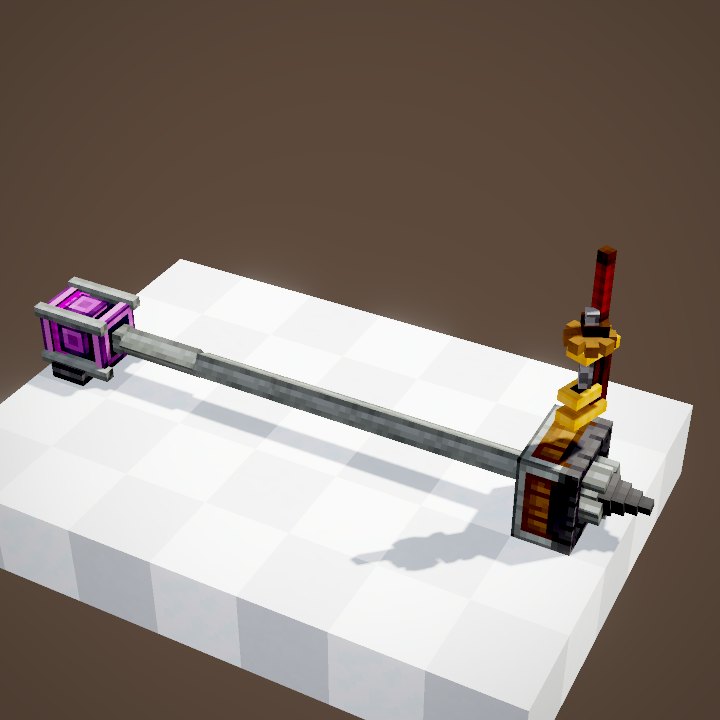
A Wrench click on the side flips the mount; you can also place it under a block. The cannon then hangs below, handy under a ceiling or an airship wing. A Cannon Mount Extension, placed against it, adds control faces where the shafts have no room; its arrow shows which mount it extends.
Example: a hand-cranked battery
For a small battery, put the mount on a slab, a Hand Crank on the elevation shaft and another one on the lower shaft. A lever on the hammer face, a button on the lit face. Assemble, turn the elevation crank for a few seconds, then the lower crank to swing it around, and fire. For several cannons that aim together, link their shafts with Shafts: they all move by the same angle. Keep in mind that each extra cannon adds its own stress to the network.
The Fixed Cannon Mount
The Fixed Cannon Mount has no shaft: its angles are set by hand on its sides and then stay put. It always aims at the same spot, handy for a defence pointed at a passage or for a vehicle. A wrench rotates it. It cannot take an extension.
Related pages
Sources for the numbers (Create 6.0.10 · Create Big Cannons 5.11.7 code)
- Angles: data/createbigcannons/cannon_mounts (big_cannon, autocannon, drop_mortar; vertical_direction down / up)
- Aiming: CannonMountBlockEntity.getAngularSpeed, tick; CannonMountInterfaceBlockEntity (pitch, yaw)
- Stress: CannonMountBlockEntity.calculateCannonStressApplied, MountedBigCannonContraption.getWeightForStress (blocks × weight)
- Recoil: ControlPitchContraption.onRecoil is empty on a mount (recoil only on a physics vehicle)
- Recipe: recipe/cannon_mount.json
- Rendering: CannonMountBlockEntityRenderer (turntable, carriage axle, shafts)
- Code and data: Create Big Cannons 5.11.7 (github.com/Cannoneers-of-Create/CreateBigCannons, tag v5.11.7+mc.1.21.1, MIT licence), identical to the Create France modpack jar
- Videos: Create Big Cannons Ponder scenes (CannonMountScenes, CannonLoadingScenes, CannonKineticsScenes, CannonCraftingScenes) replayed by our engine; CBC models and textures (CC BY-NC-SA 4.0, Cannoneers of Create)
Original texts and animations by Create France, rendered from the mod's Ponder scenes. Create is a mod by the Create Team, not affiliated with Create France.