Create Wiki · Create: Loconautics
Turntable Bearing
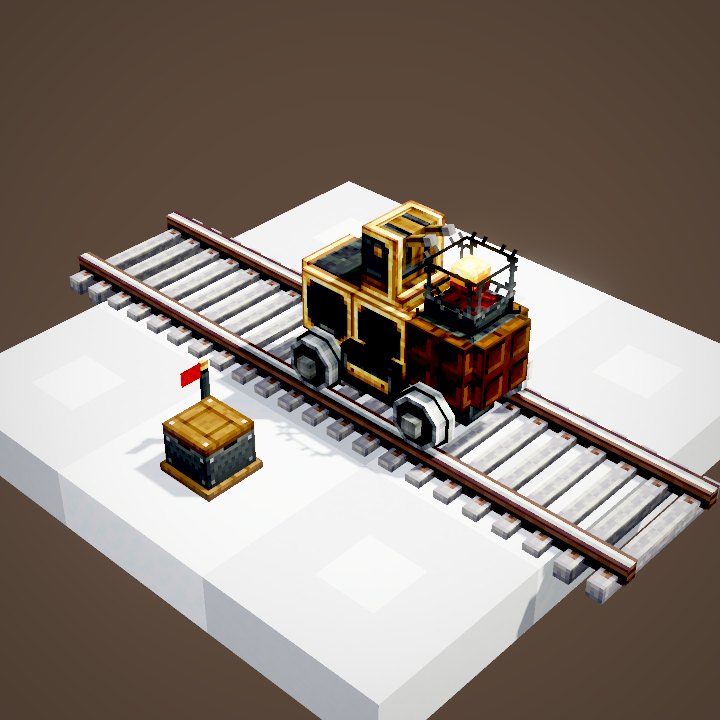
The Turntable Bearing swings the glued structure above it, rails included, by precise angles. Think of an engine shed: a train rolls onto the deck, the deck aims it at another track, and off it goes. It reacts to redstone pulses and to a five-line program, or takes its orders straight from the trains' schedules.
Quick facts
- Role
- Turns the glued structure in front of it by exact angles
- Speed
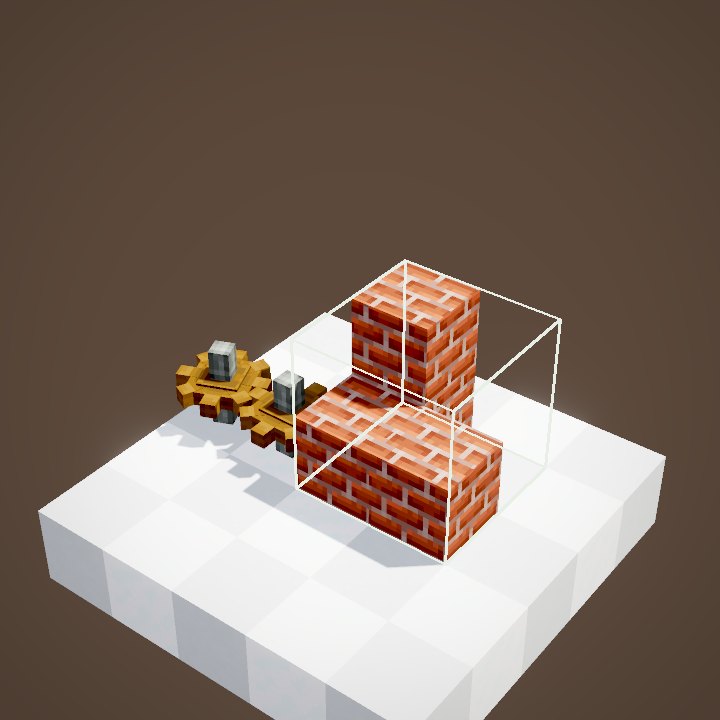
- Set by a cogwheel against the bearing
- Stress
- 4 SU per RPM of the plate (turntable suImpact)
- Program
- 5 instructions: turn (45° to 360°), delay (up to 30 s), await, end, schedule
- Trigger
- Pulse, repeat while powered, alternate direction
- Trains
- Schedule instruction: turns by itself for trains crossing it
- Version
- Create: Loconautics 0.1.3 BETA · Create 6.0.10
Crafting table recipe


→ 1 Turntable Bearing
- 1 ×Compass
- 2 ×Brass Ingot
- 1 ×Swivel Bearing (Simulated)
- 1 ×Redstone Dust
Building the turntable
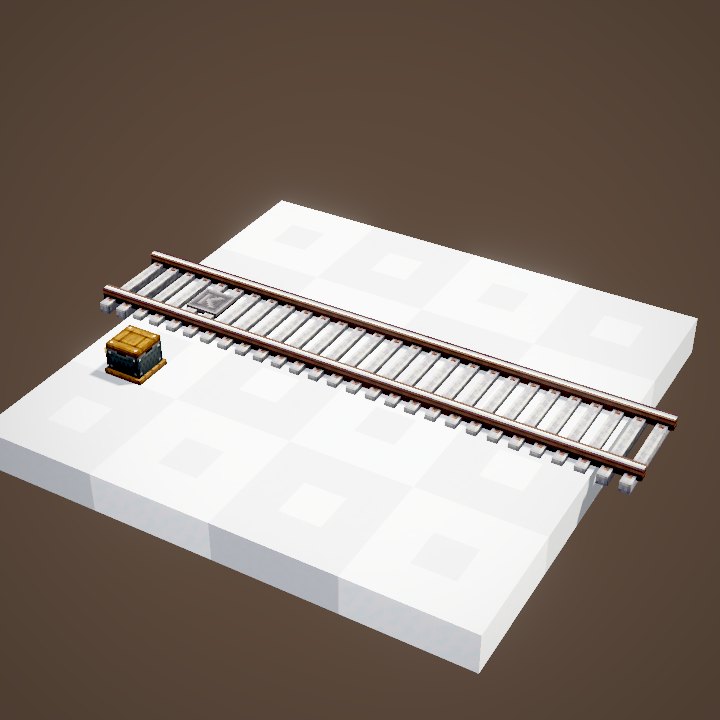
The bearing grabs whatever block sits on its working face (the top, for a bearing on the ground). Build the deck: a stretch of track on blocks, then mark everything that must swing with Super Glue. Using the bearing assembles it, and a Turntable Plate appears in between. A cogwheel touching the bearing sets how quickly it swings. From then on, every redstone pulse swings the deck by a fixed amount (90° by default), and it stays there until the following pulse.
Programming it
Shift-use the bearing to edit its program: five lines at most, played from the top. Turn swings the deck by a precise angle in 45° increments, up to 360°; the arrow setting next to it chooses the way round and can double the pace (→, ≫, ←, ≪). Delay pauses the deck for a while, 600 ticks (30 s) at most. Await holds the program until redstone arrives, and End finishes it; the following signal plays it again from the top.
How redstone starts it
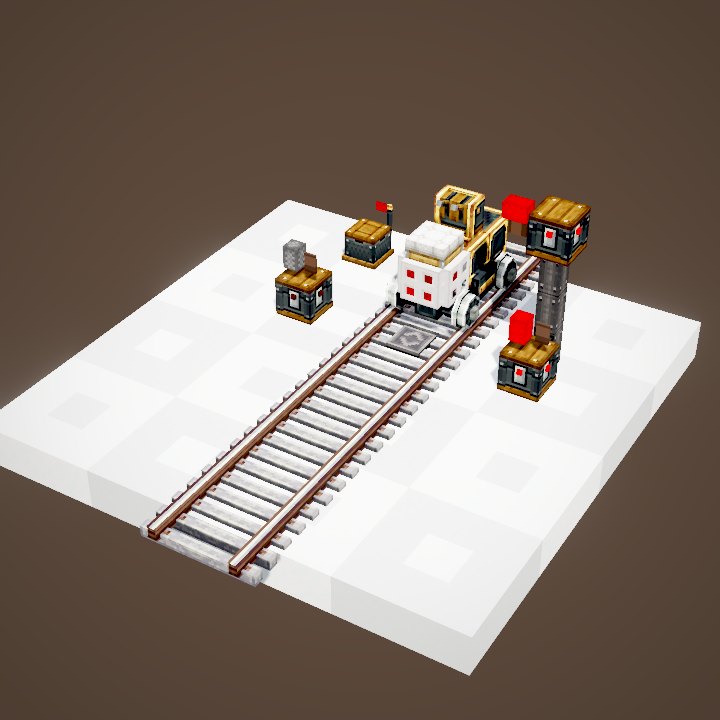
A small value box on the bearing, adjusted like other Create settings, selects what redstone does. Pulse plays the program a single time per signal. Repeat While Powered keeps replaying it for the length of the signal. Alternate Direction mirrors every turn on each new signal, so the deck swings out and then back.
Run by schedules
Make the first line Schedule and the trains take over; redstone is no longer needed. The deck rails have to line up with the rails of the surrounding branches. When a train's schedule sends it down another branch, it halts in the middle of the deck, the deck points it at that branch, the train leaves, and the deck swings back home. Keep the cogwheel powered and build the deck no shorter than your longest train.
Good to know
A few handy programs. For a two-track shed deck: « turn 180° » then « end », in Pulse mode, with one button per track. For a swing bridge that opens and closes: « turn 90° », « delay », « turn 90° backwards », « end ». For a deck that only moves when trains ask: a single « schedule » line. The deck spins at the speed of its cogwheel: a low speed spares stress and is easy to follow, a high speed saves the trains time. Whatever the program, the deck always comes to rest on the exact angle it was asked for, so the rails meet cleanly.
Tips
The plate costs 4 SU per RPM of rotation: a slow, light plate makes do with a small motor, but the faster it turns, the more it asks. Keep the rails of the plate exactly level with those of the legs. To try a program, keep the Pulse mode and a button next to the bearing, then switch to Schedule once the depot is ready.
Related pages



Sources for the numbers (Create 6.0.10 · Create: Loconautics 0.1.3 BETA code)
- Code, data and Ponder storyboards: Create: Loconautics 0.1.3 BETA, public repository github.com/Creators-of-Locomotion/Create-Loconautics, commit 21970ec (last before the move to 0.1.4); its 26 Ponder structures and en_us.json are byte-identical to the loconautics-0.1.3BETA.jar of the Create France modpack
- License: code and data under MIT; textures, models, sounds and lang files all rights reserved (Lycoris). Our videos and images are renders from our own engine; our texts are original, no Ponder text is copied
- Numbers: config/LoconauticsConfig.java (defaults), content/combustion/SmallEngineTuning.java and CombustionFuel.java, content/transmission/TransmissionBlockEntity.java, content/hose/winch/HoseWinchBlockEntity.java, content/boiler/firebox/FireboxBlockEntity.java; experimental features: common/experimental/ExperimentalFeature.java and the modpack's config/loconautics-experimental.toml
- Recipes: data/loconautics/recipe/*.json in the 0.1.3 BETA jar
- Simulated 1.3.2 blocks (Portable Engine, Rope Connector, Physics Assembler): jar shipped with Create Aeronautics 1.3.2; code MIT, art all rights reserved (The Simulated Team)
Original texts and animations by Create France, rendered from the mod's Ponder scenes. Create is a mod by the Create Team, not affiliated with Create France.