Create Wiki · Create Aeronautics
Swivel Bearing
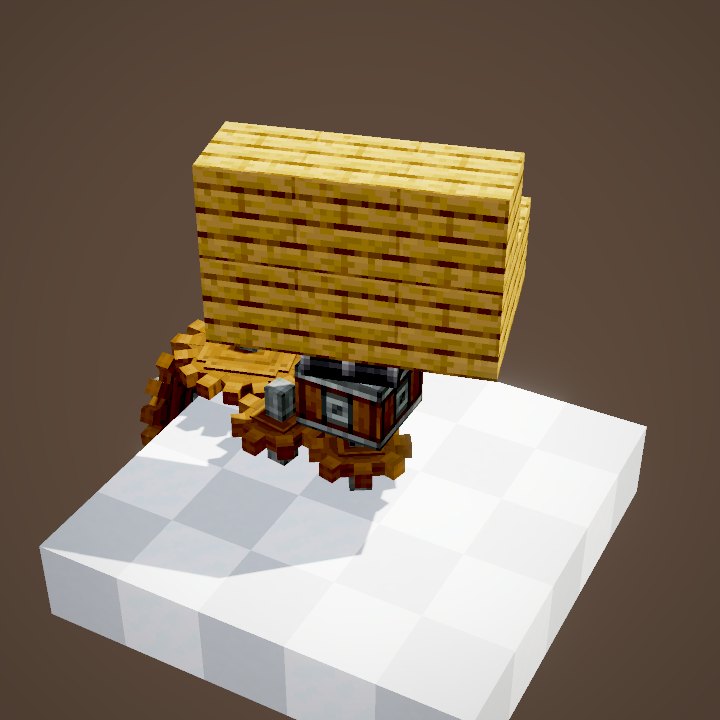
Simulated's Swivel Bearing turns a group of glued blocks as a simulated contraption of its own: a rudder, a turret, a crane arm or a drill head. Unlike Create's Mechanical Bearing, what it carries stays under Sable's physics: the turned part has mass, can hit the scenery and can even swing freely.
Quick facts
- Input
- Side cogwheel (turns the swivel) and a pass-through shaft
- Stress
- 4 SU per RPM
- Top speed
- 96 RPM (server setting)
- Link
- Swivel Bearing Link Block placed in front when assembling
- Redstone
- Unlocks the swivel: the part spins freely
- Stiffness / friction
- 1,600 / 0.3 (default physics settings)


Used to craft
 Turntable Bearing
Marking the part that turns
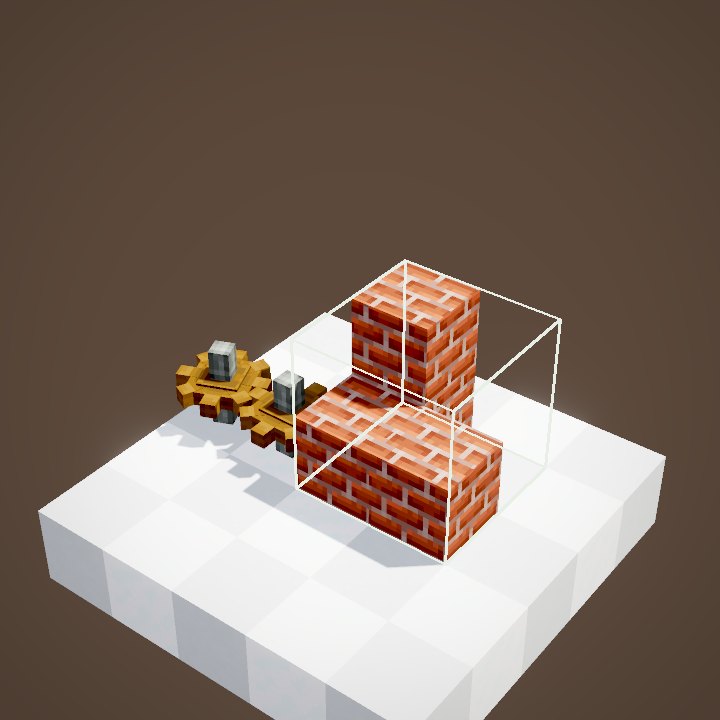
The swivel grabs the block placed against its face. To take more, surround the group with Honey Glue or Super Glue: everything glued becomes one contraption.
Assembling

As soon as the side cogwheel gets rotation, the swivel assembles the group and turns it. The block that touched the face becomes a Swivel Bearing Link Block: it is the physical joint between the two bodies. The swivel costs 4 SU per RPM and is capped at 96 RPM.
Freeing the swivel
A redstone signal unlocks the swivel: the carried part stops following the cogwheel and turns freely, pushed by its own weight or by a propeller. Handy for a weathervane, a swinging door or an arm that should line itself up.
Changing that behaviour

The swivel's value panel chooses what redstone does, for instance locking instead of freeing. The server physics settings set the stiffness (1,600), friction (0.3) and damping (40) of a free swivel.
Passing rotation through
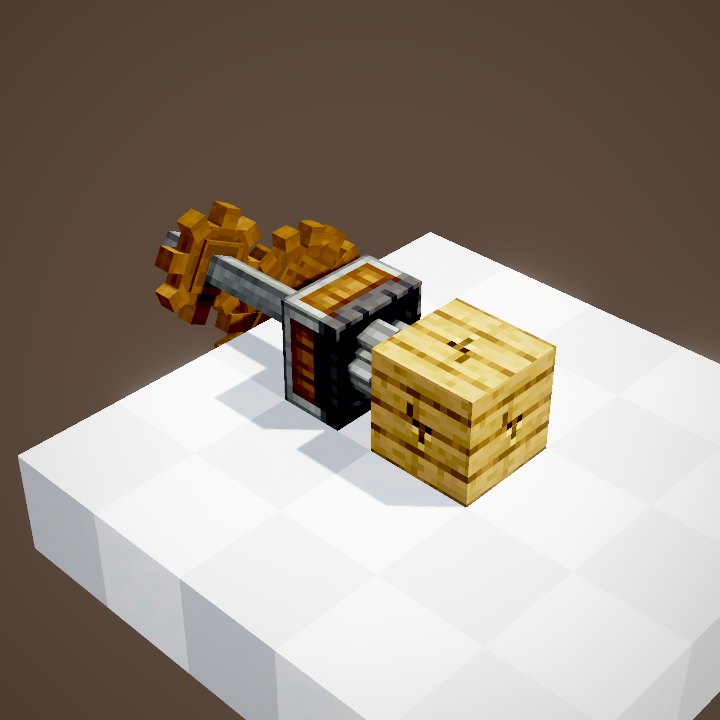
The shaft running through the swivel hands its own rotation to the carried part, undisturbed while the swivel turns: a drill or saw on a turret keeps working while you aim it. One block drives two things, the heading through the cogwheel and the tool through the shaft.
Frequently asked questions
How is it different from the Mechanical Bearing? Create's Mechanical Bearing animates a rigid block that passes through everything; the Swivel Bearing creates a simulated contraption, with mass, collisions and the option to spin freely. Can swivels be stacked? Yes: a turret on a swivel can carry a second swivel to raise a cannon, each driven by its own cogwheel. Why does my part fall off? The swivel only keeps what is connected to the link block; check the glue. What if I break the swivel? The carried part stays a simulated contraption, resting where it is.
Tips
Keep the speed moderate: above thirty or so RPM, a large heavy part shakes the whole ship. For a rudder, an Analog Transmission between the Steering Wheel and the swivel gears the motion down and makes steering smoother. Finally, mind the weight: a wooden crane arm weighs half as much as a stone one.
Crafting and cost
The Swivel Bearing is crafted at a crafting table from a wooden slab, a Block of Industrial Iron and a cogwheel, stacked top to bottom. It is a mid-game block: Industrial Iron already needs a Create production line. Energy-wise, 4 SU per RPM is modest; a single Portable Engine is enough to aim several turrets at once, and the pass-through shaft adds no extra cost of its own beyond what the driven tool consumes.
Build ideas

Wired to a Steering Wheel, the swivel makes a precise rudder; with a Torsion Spring, a control surface that returns to neutral. On a vehicle it aims a crane, a cannon or a searchlight without disassembling the rest.
Related pages



Sources for the numbers (Create 6.0.10 · Create Aeronautics 1.3.3 code)
- Code, data and storyboards: Create Aeronautics 1.3.3 (Creators-of-Aeronautics/Simulated-Project repository, commit 900122e, code under the MIT licence, assets « all rights reserved », The Simulated Team / The Creators of Aeronautics), identical to the modpack jar (1.3.3 test instance)
- Simulated 1.3.3 default server settings (SimBlocks, SimPhysics, SimItems) and stress costs (SimStress, AeroStress, OffroadStress)
- Recipe: data/simulated/recipe/swivel_bearing.json
- Videos: Create Aeronautics / Simulated Ponder scenes (swivel_bearing/intro, unlocking, passthrough) replayed by our engine; mod models and textures (© The Simulated Team / The Creators of Aeronautics)
- Images: mod blocks placed on the plate and rendered by our engine (© The Simulated Team / The Creators of Aeronautics)
Original texts and animations by Create France, rendered from the mod's Ponder scenes. Create is a mod by the Create Team, not affiliated with Create France.