Create Wiki · Create Big Cannons
Create Big Cannons
Create Big Cannons (CBC) adds real artillery to Create: cannons built out of blocks, sitting on a mount that turns them with Create rotation, loaded with powder and shells, and every shot follows a computed trajectory. It is one of the flagship mods of the Create France modpack. This eleven-page guide starts with your first cannon and goes all the way to autocannons.
Quick facts
- Mod
- Create Big Cannons, a Create addon (by Cannoneers of Create)
- Required library
- Ritchie's Projectile Library 2.1.2 (already in the modpack)
- A cannon
- A Cannon Mount + a breech or a closed end + chambers + barrels, all of the same material
- Shell speed
- 2 blocks/tick per Powder Charge, i.e. 40 blocks/s (2 charges: 80 blocks/s)
- Maximum range
- 58 blocks with 1 charge, 183 with 2, 507 with 4 (flat ground, HE shell)
- Aiming
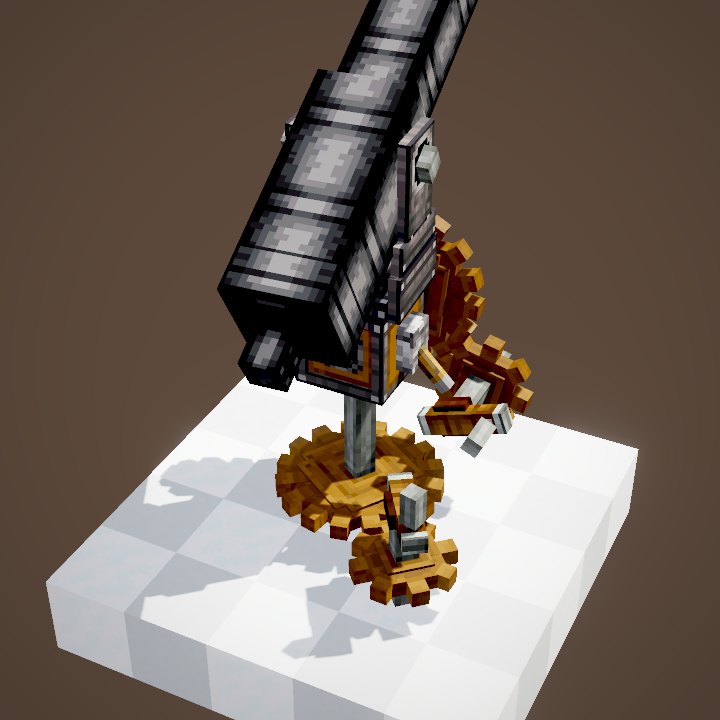
- Hand Crank at 32 RPM: 24 degrees per second on the mount
- Guide pages
- 11 pages: mount, materials, breeches, loading, powder, shells, fuzes, crafting, autocannons, mortars
- Version
- Create Big Cannons 5.11.7 · Create 6.0.10 · Minecraft 1.21.1
What a first cannon needs
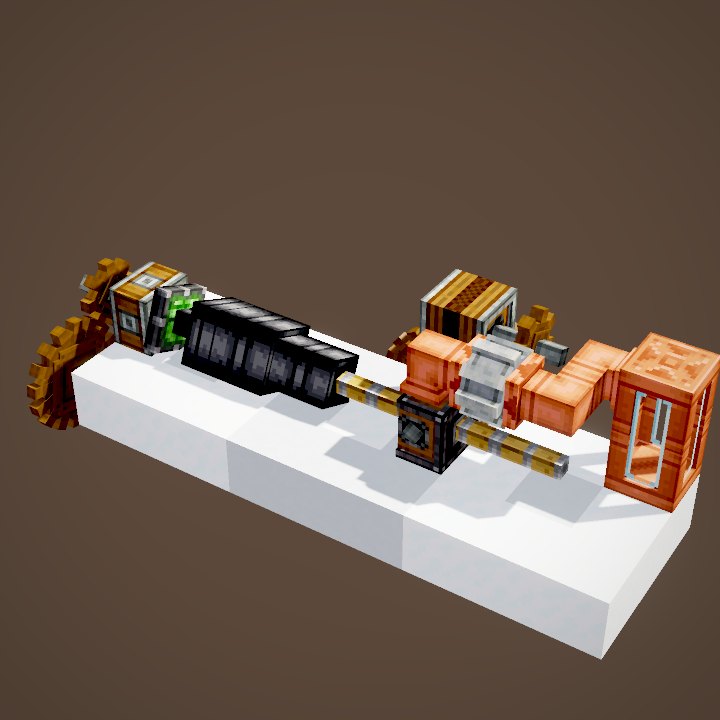
A CBC cannon is not an item: it is a row of blocks. You need a Cannon Mount, a breech (or a closed end), one or two chambers and a few barrels, all made of the same material. Cast iron is fine to start with. Add a rotation source, a Hand Crank for instance, some Powder Charges and a shell.
The six steps, in order
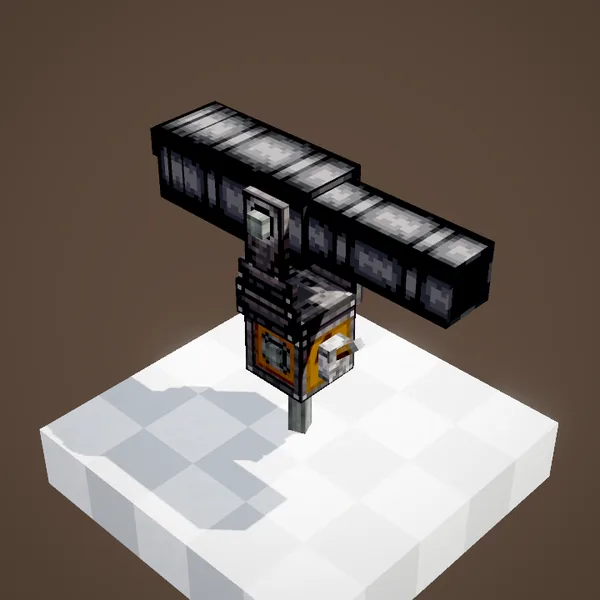
1. Place the mount, then the cannon blocks two blocks above it, from the breech to the muzzle. 2. Load through the muzzle (or through an open breech): powder first, then the shell, with a Cannon Loader or a Ram Rod. 3. Send a redstone signal into the mount's “hammer” face: the cannon assembles. 4. Turn the mount to set elevation and direction. 5. Power the lit face: it fires. 6. Cut the first signal to disassemble it and reload.
A real trajectory
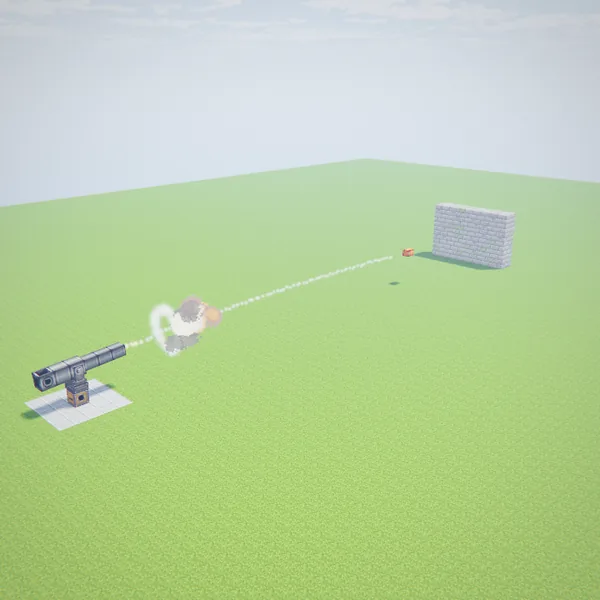
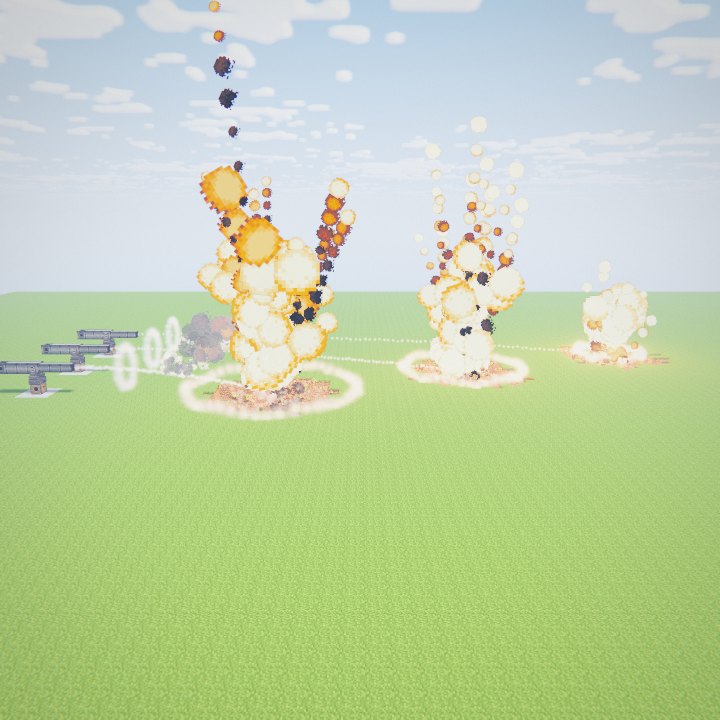
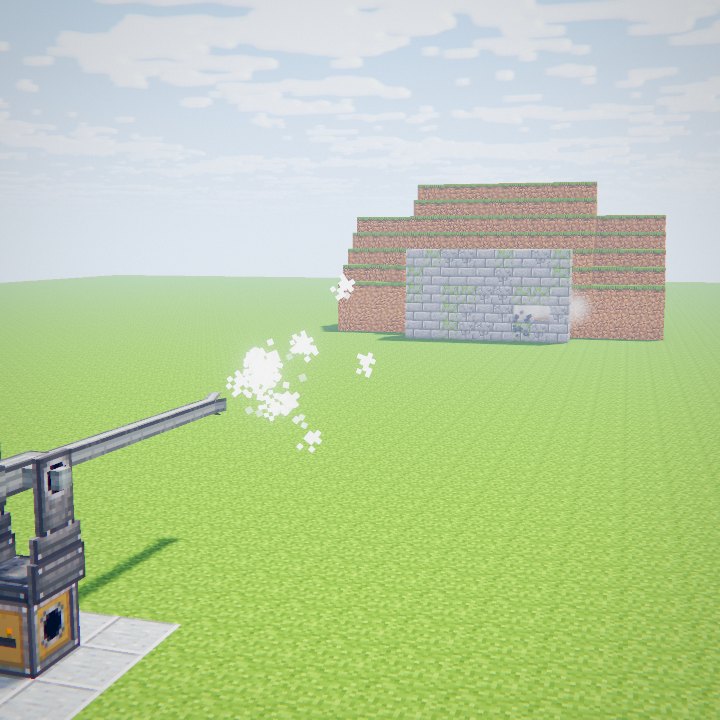
When it leaves the barrel, the shell travels at 2 blocks per tick for each Powder Charge. Then, every tick, gravity takes 0.05 block/tick off its vertical speed and drag removes 1% of its speed. In the video, two charges (80 blocks/s) and 4 degrees of elevation are enough to hit a wall 48 blocks away in 0.59 s. The flight is shown at 4× slow motion; the path is the mod's own calculation, tick by tick.
The impact
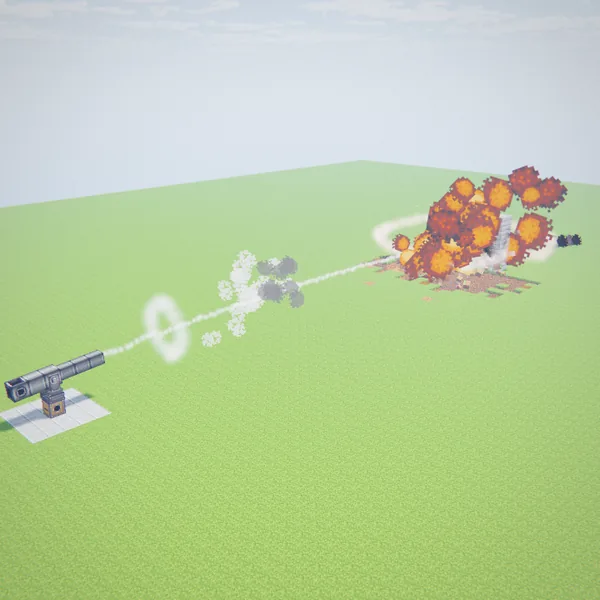
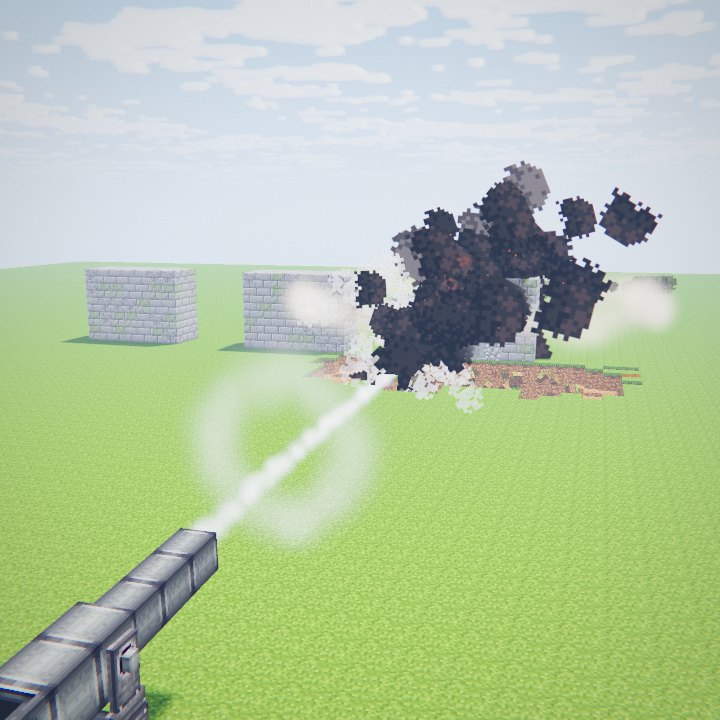
The HE shell detonates on contact with a power of 8 against blocks, twice a TNT block. On a stone brick wall standing on dirt it opens a crater of several hundred blocks. Blocks that are hit but survive crack or turn into cobblestone. To punch through a thick wall, use an armor-piercing shot instead.
The guide pages
Going further: Cannon Mount (assembling, aiming, firing), materials (how much powder each cannon can take), breeches, loading, powder and ranges, shells, fuzes and tracers, crafting, autocannons and mortars.
Beginner mistakes
Too much powder: beyond what the material or the breech can take, the cannon may burst. A charge sitting in a barrel instead of a chamber can blow it up too. Too little powder for a long cannon: the shell gets stuck. An assembled cannon cannot be reloaded through the muzzle: disassemble it first. And cannon blocks placed by hand do not connect to each other in survival: craft them in one piece or weld them.
A first cannon that works
A safe recipe to start with cast iron: a Cannon End, two chambers and two barrels, on a mount. Load two Powder Charges then a Solid Shot, or an HE shell fitted with an Impact Fuze. Two charges is cast iron's limit, and it is enough speed for two barrels. With a Hand Crank on each of the mount's shafts you aim at 24° per second, then a button on the lit face fires. That is the whole loop, and every page of this guide builds on it.
On the Create France server
Create Big Cannons runs on the server with the mod's default configuration: the numbers in this guide are the ones you will meet in game. Explosions break blocks, so test your cannons away from bases, on land you own.
Related pages
 Cannon MountCreate Big Cannons
 Cannon materialsCreate Big Cannons
 Cannon breechesCreate Big Cannons
 Loading a cannonCreate Big Cannons
 Powder and rangeCreate Big Cannons
 Shells and shotsCreate Big Cannons
 Fuzes and tracersCreate Big Cannons
 Crafting a cannonCreate Big Cannons
 AutocannonsCreate Big Cannons
 MortarsCreate Big Cannons
 Hand Crank and Valve HandleKinetics
 Mechanical BearingContraptions
Sources for the numbers (Create 6.0.10 · Create Big Cannons 5.11.7 code)
- Speed: MountedBigCannonContraption.fireShot (projectile.shoot(dir, chargesUsed)), powder_charge.json (strength 2)
- Flight: AbstractCannonProjectile.tick / getForces (drag 0.01 × speed, gravity -0.05), he_shell.json
- Ranges: the mod's tick-by-tick simulation on flat ground (engine_create/cannons.py, 5.11.7 data)
- Aiming: CannonMountBlockEntity.getAngularSpeed (convertToAngular × 0.125)
- Code and data: Create Big Cannons 5.11.7 (github.com/Cannoneers-of-Create/CreateBigCannons, tag v5.11.7+mc.1.21.1, MIT licence), identical to the Create France modpack jar
- Shots: scenes written for this wiki; trajectory computed tick by tick with the mod's formulas (AbstractCannonProjectile.tick: drag 0.01, gravity -0.05 block/tick², speed = charges used, MountedBigCannonContraption.fireShot), explosions from Explosion.explode plus CBC's block transforms
- Videos: Create Big Cannons Ponder scenes (CannonMountScenes, CannonLoadingScenes, CannonKineticsScenes, CannonCraftingScenes) replayed by our engine; CBC models and textures (CC BY-NC-SA 4.0, Cannoneers of Create)
Original texts and animations by Create France, rendered from the mod's Ponder scenes. Create is a mod by the Create Team, not affiliated with Create France.