Create Wiki · Create Aeronautics
Propellers and Propeller Bearing
Propellers turn Create rotation into thrust, the force that pushes a simulated contraption forward, backward or up. Create Aeronautics offers two families: the Propeller Bearing, on which you build a large sail propeller, and the small Andesite and Wooden Propellers, ready to use in a single block.
Quick facts
- Bearing thrust
- sails^1.5 × RPM × 0.2
- Bearing airflow
- √sails × RPM × 0.05 (m/s)
- Counted sails
- Windmill sails, symmetric sails (windmill_sails tag), at least 2
- Bearing stress
- 2 SU per RPM per sail
- Small propellers
- Thrust 1 × RPM, airflow 0.1 × RPM, stress 4 SU per RPM
- Radius
- Andesite Propeller 1 block, Wooden Propeller 1.5 blocks
- Reversing
- Rotation direction, wrench or bearing setting
Crafting table recipe


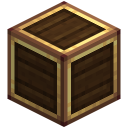

→ 1 Propeller Bearing
- 1 ×Oak Slab
- 1 ×Iron Sheet
- 1 ×Brass Casing
The Propeller Bearing
The Propeller Bearing looks like a Mechanical Bearing: it attaches to the block facing its plate and spins the whole structure glued to that block. Instead of producing rotation like a Windmill Bearing, it consumes some and pushes air. A valid propeller must hold at least two sail blocks; the shape does not matter.
More sails, much more thrust

Thrust grows faster than the number of sails: it follows the power 1.5. Four sails at 32 RPM give 51 thrust units, eight sails give 145, almost three times as much. Stress simply follows the sails: 2 SU per RPM for each, so 512 SU for eight sails at 32 RPM. A large propeller also spins up more gently: its speed closes in on the target by 0.4 / √sails per tick.
Pushing a contraption
Mounted on a simulated contraption, the bearing pushes the whole thing along the propeller axis. In the video it sits on the flank of an airship carried by a balloon: Create rotation becomes motion. The thrust acts where the propeller is; far from the centre, it also turns the craft.
Changing direction

Andesite and Wooden Propellers
Small propellers fit in one block: feed rotation from the back and they push right away. Their thrust is 1 × RPM, their airflow 0.1 × RPM, for 4 SU per RPM. The Andesite Propeller blows over a one-block radius, the Wooden Propeller over one and a half. A Wooden Propeller is made by putting an Andesite Propeller alone in the crafting grid.
Airflow

Every propeller moves air at a certain speed, its airflow. When the craft already goes almost as fast as that air, the propeller pushes less and less: speed tops out. To go faster, raise the rotation speed or the sail count. Engineer's Goggles show thrust and airflow when you look at the propeller.
Comparing propellers
At 32 RPM an Andesite Propeller pushes 32 and costs 128 SU. A four-sail bearing pushes 51 for 256 SU, and with eight sails 145 for 512 SU. Small propellers are therefore good value for small craft; as soon as you need a lot of thrust, the large-sail bearing wins, since doubling the sails multiplies thrust by 2.8 for only twice the stress. The same reasoning applies to rotation speed: thrust and stress both grow in proportion to RPM, so a faster network is often cheaper than more propellers.
Tips
- Spread propellers evenly around the centre of mass so the craft flies straight.
- Keep a stress margin: eight sails at high speed drain a network fast.
- To climb vertically, see the gyroscopic bearing.
Related pages
 Create AeronauticsCreate Aeronautics
 Gyroscopic Propeller BearingCreate Aeronautics
 Physics AssemblerCreate Aeronautics
 Hot Air BalloonsCreate Aeronautics
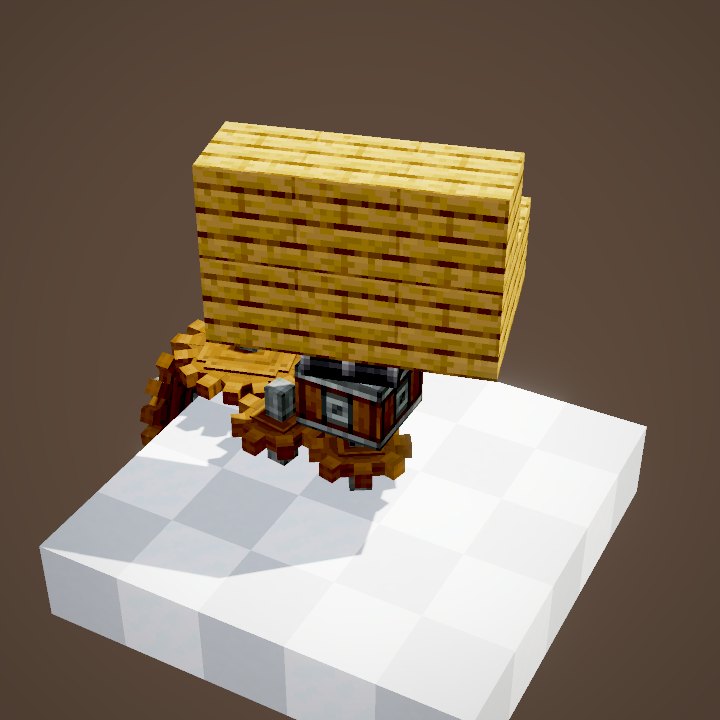 Mechanical BearingContraptions
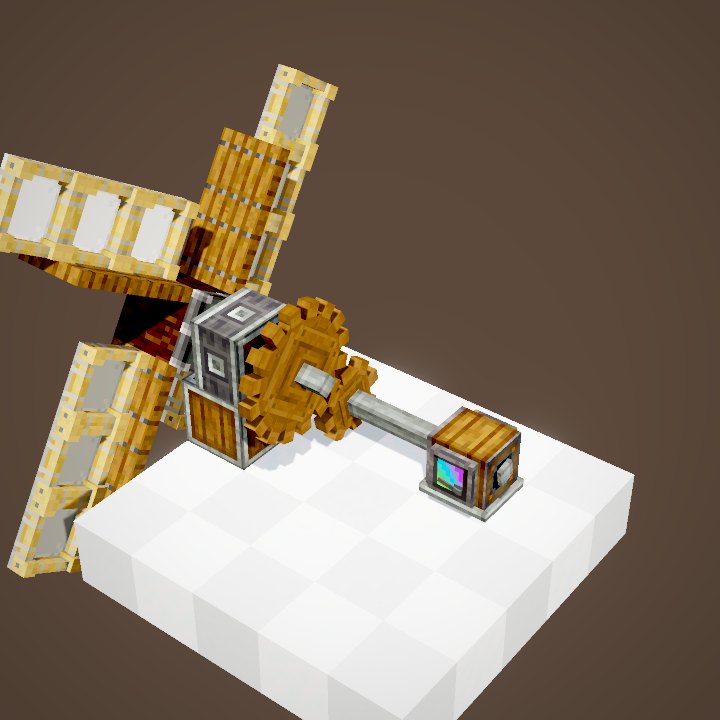 Windmill BearingKinetics
 Engineer's GogglesTools and equipment
 WrenchTools and equipment
 PilotingCreate Aeronautics
 Sails and envelopesCreate Aeronautics
 ThrusterCreate Propulsion: Simulated
Sources for the numbers (Create 6.0.10 · Create Aeronautics 1.3.3 code)
- Code, data and storyboards: Create Aeronautics 1.3.3 (Creators-of-Aeronautics/Simulated-Project repository, commit 900122e, code under the MIT licence, assets « all rights reserved », The Simulated Team / The Creators of Aeronautics), identical to the modpack jar (1.3.3 test instance)
- Bearing: PropellerBearingBlockEntity (getThrust, getAirflow, calculateStressApplied, findSails)
- Small propellers: BasePropellerBlockEntity, AndesitePropellerBlockEntity, WoodenPropellerBlockEntity (radii)
- Default settings: AeroPhysics (propellerBearingThrust 0.2, propellerBearingAirflow 0.05, propellers 1.0 / 0.1), AeroBlocks (stress 2 and 4)
- Recipes: data/aeronautics/recipe/propeller_bearing.json, andesite_propeller.json, wooden_propeller_from_andesite.json
- Videos: Create Aeronautics / Simulated Ponder scenes (propeller_bearing/thrust, propeller_bearing/size) replayed by our engine; mod models and textures (© The Simulated Team / The Creators of Aeronautics)
Original texts and animations by Create France, rendered from the mod's Ponder scenes. Create is a mod by the Create Team, not affiliated with Create France.