Create Wiki · Create Aeronautics
Physics Assembler
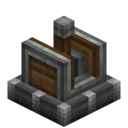
The Physics Assembler is where every Create Aeronautics vehicle begins. It comes from Simulated, shipped with the mod: it takes the blocks you glued and makes a simulated contraption out of them, an object that obeys gravity, impacts and forces while its machines keep running.
Quick facts
- Mod
- Simulated 1.3.3 (shipped with Create Aeronautics)
- Selection
- Honey Glue or Super Glue around the blocks
- Control
- Keep the use button held while pulling the lever (45°)
- Disassembly
- With any assembler placed on the contraption
- Masses
- Wool 0.25 · planks 0.5 · normal 1 · stone 2 · metal block 4
- Properties
- Slippery and fragile ice, weightless blocks, bounce
- Merging
- Slime ball between two contraptions


Pick the blocks with glue
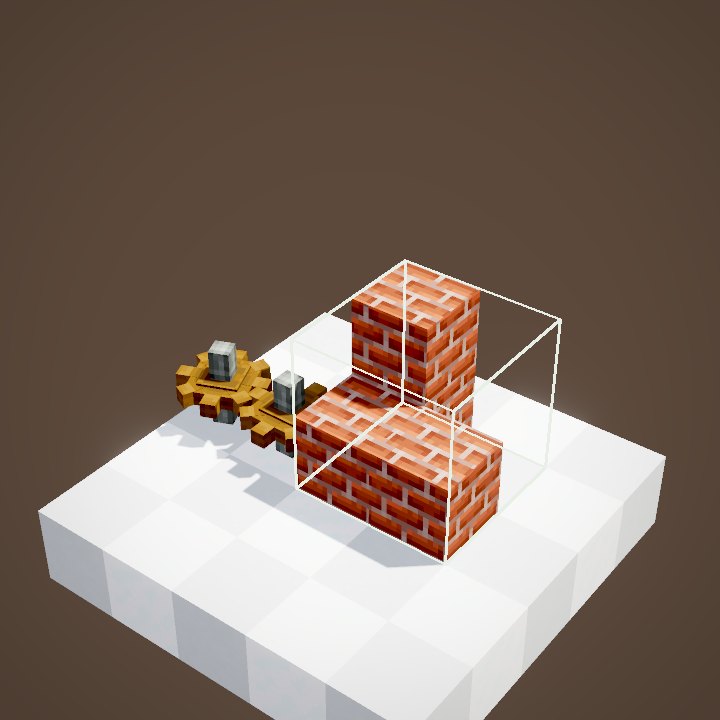
Put the assembler against the build, then mark the blocks to take with Honey Glue or Create's Super Glue: right-click a first corner, then the opposite one, and a box appears. Anything touching the selection, even through a diagonal edge, comes along.
Pull the lever

Keep the use button pressed on the assembler while dragging its lever all the way (45°). The build leaves the grid: in the video, badly balanced, it tips over and rests on an edge. Afterwards the original assembler has done its job; you may even break it.
Putting the build back

To freeze a contraption, any assembler placed on it does the job: pull its lever the other way and the blocks snap back onto the grid, aligned as closely as possible. Handy to repair, extend or simply park a ship so it stops drifting.
What happens to the machines
A simulated contraption stays alive. Engines spin, bearings turn the wheels, redstone works. The four craft in the video show it: an ice-skid car that turns when one side is reversed, a wheeled car, a walking press, and a glider landing on the plate.
The weight of each block
Sable, the physics engine, gives every block a mass. By default: 0.25 for wool, wooden slabs and stairs, fences and doors; 0.5 for planks, logs, slabs and chests; 1 for a regular block; 2 for stone, cobblestone and obsidian; 4 for metal storage blocks. A double slab counts twice. In the video, the balance clearly leans towards the heavier block.
Ice, bounces and fragile blocks

Some blocks have properties on top of their weight. Ice has no friction: whatever rests on it slides. It is also fragile, like leaves, pumpkins or cacti, and shatters on impact. Slime bounces (restitution 0.5). These values come from Sable's data files: a server may change them.
Splitting and merging
Break the blocks linking two parts and the contraption splits into two independent objects; two blocks that only meet at an edge stay attached. The other way round, a slime ball used on two touching contraptions merges them into one.
The Portable Engine

The vehicles in the video run on Simulated's Portable Engine. It burns furnace fuels and gives 32 RPM, twice as much when superheated, with a capacity of 64 SU per RPM: 2,048 SU in normal running. Compact and self-contained, it is the easiest rotation source to carry on board.
Frequently asked questions
Nothing moves after assembling? Check that the lever went all the way and that the glue box touches the blocks. The build keeps tipping over? Its centre of mass is badly placed: lighten the top or widen the base, for instance with wool instead of stone up high.
Tips
- Put the assembler in the middle of the build: it is easier to find.
- Avoid stone for a flying craft; prefer wool and wood.
- Make the glue box a bit larger than the build so nothing is left behind.
Related pages
 Create AeronauticsCreate Aeronautics
 Super GlueContraptions
 Propellers and Propeller BearingCreate Aeronautics
 Hot Air BalloonsCreate Aeronautics
 LevititeCreate Aeronautics
 Mechanical BearingContraptions
 Tools and itemsCreate Aeronautics
 Engines and transmissionCreate Aeronautics
 Headlight and Tail and Brake LightCreate: Lightworks
 Create Propulsion: SimulatedCreate Propulsion: Simulated
Sources for the numbers (Create 6.0.10 · Create Aeronautics 1.3.3 code)
- Code, data and storyboards: Create Aeronautics 1.3.3 (Creators-of-Aeronautics/Simulated-Project repository, commit 900122e, code under the MIT licence, assets « all rights reserved », The Simulated Team / The Creators of Aeronautics), identical to the modpack jar (1.3.3 test instance)
- Assembler: PhysicsAssemblerBlockEntity (lever 45°, chase 0.75 per tick)
- Block masses and properties: Sable 2.0.6 (the physics engine the mod requires), data/sable/physics_block_properties and data/sable/tags/block
- Recipe: data/simulated/recipe/physics_assembler.json
- Videos: Create Aeronautics / Simulated Ponder scenes (physics_assembler/intro, simulated_contraptions, block_properties, sub_level_splitting) replayed by our engine; mod models and textures (© The Simulated Team / The Creators of Aeronautics)
Original texts and animations by Create France, rendered from the mod's Ponder scenes. Create is a mod by the Create Team, not affiliated with Create France.