Create Wiki · Create Bits 'n' Bobs
Nixie Board and Large Nixie Tube
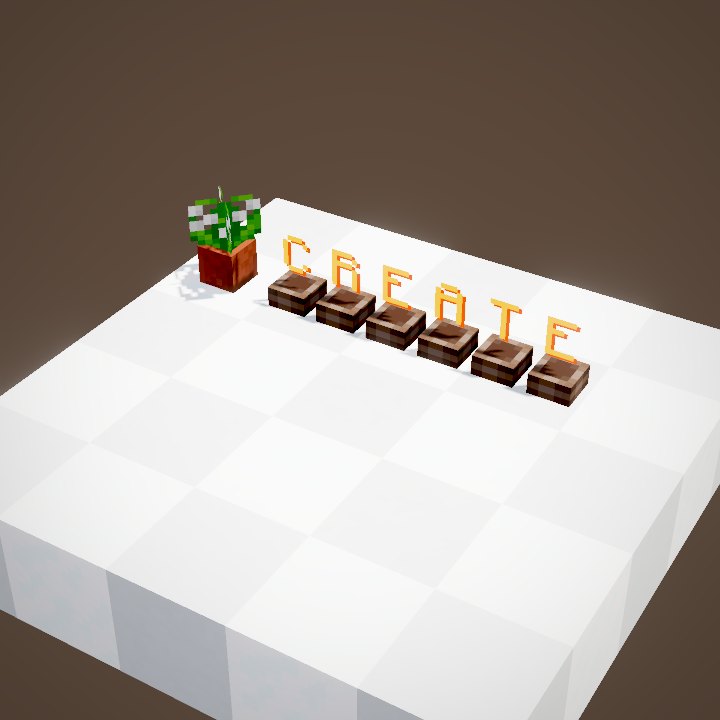
Create's Nixie Tube only shows two characters. Bits 'n' Bobs adds two displays in the same style, glowing orange by default: the Nixie Board, a thin plate that sits on a wall or floor, and the Large Nixie Tube, a tall tube for big digits. Both line up in rows, switch mode with the Wrench and come in sixteen colours.
Quick facts
- Nixie Board
- 8 per craft; modes with 1, 2 or 3 characters per block, 2 lines for the last one
- Large Nixie Tube
- 4 per craft; normal and 'always upright' modes
- Row
- up to 100 blocks read as a single display
- Text
- Clipboard, renamed Name Tag or Display Link
- Colours
- orange by default, 16 dyes applied to the whole row
- Version
- Create Bits 'n' Bobs 2.3.5 · Create 6.0.10
Crafting table recipe


 8
→ 8 Nixie Boards
- 6 ×Polished Rose Quartz
- 1 ×Iron Sheet
The Nixie Board
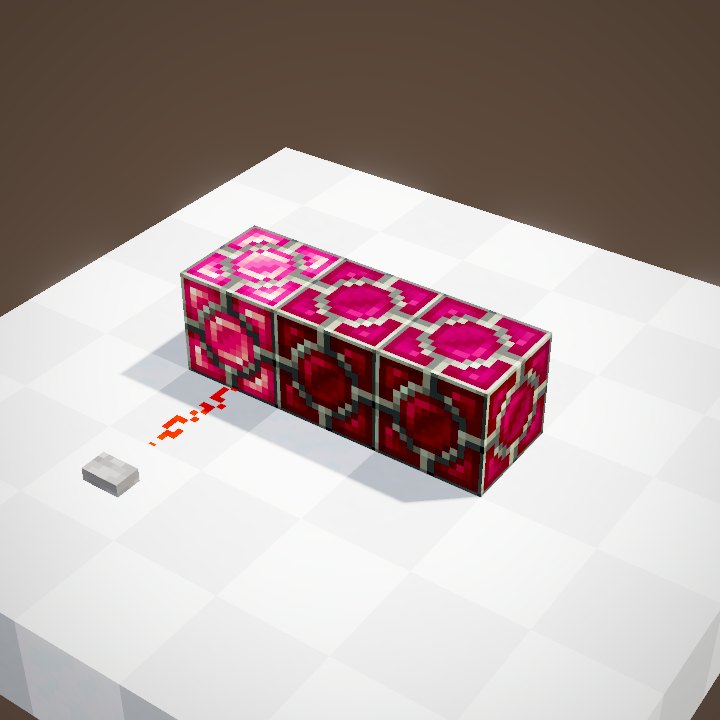
The Nixie Board is made from six Polished Rose Quartz and an Iron Sheet (recipe shown here, 8 boards). It is a thin plate that goes on any face, wall, floor or ceiling; the reading direction follows the way you are looking when you place it. Without text it stays dark.
Building a row

Place boards side by side facing the same way: their frames merge and the row becomes one display, up to 100 blocks long. With a board in hand, right-clicking the row adds the next one at the end, as with Create's girders. The text spreads from left to right over the whole length.
Stacking rows

Stack rows on top of each other and their frames fuse too, so you get one big board with no seams. Each row keeps its own text, which lets you build a station board with one name per line.
Writing text

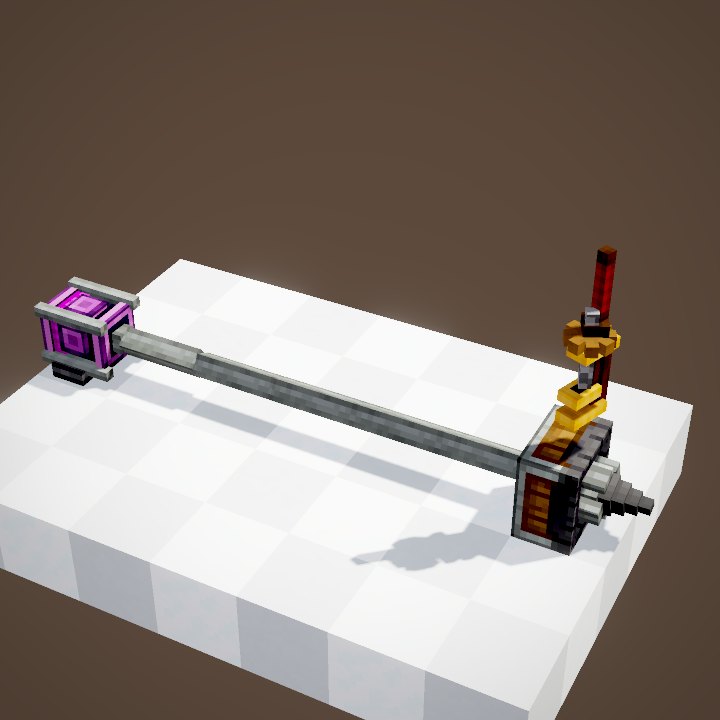
Three text sources: right-clicking with a Clipboard writes its last lines; a Name Tag renamed on an anvil writes its name; a Display Link keeps sending whatever it reads (stock, speed, time…). In our videos the text shown is 'txt', as in the mod's own Ponder scene.
Switching mode with the Wrench

Right-clicking with the Wrench moves the whole row to the next mode. The text is laid out again right away to fill the new grid, so there is no need to write it again.
The board's three modes

The board has three modes: 1 large character per block, 2 characters per block, or 3 characters per block over 2 lines. The more characters, the smaller they get; the last mode is the only one that gives a Display Link two lines, and the two end blocks lose one character in it. A row of 8 boards therefore shows 8 or 16 characters, or two lines of 22.
Dyeing the board

Right-clicking with a dye colours the whole row at once, keeping the text and the mode. All sixteen colours exist (from the White Nixie Board to the Black Nixie Board); undyed, the glow is orange like Create's.
The Large Nixie Tube
The Large Nixie Tube is made from four Polished Rose Quartz and two Iron Sheets, giving 4 tubes. Each tube shows a single, very tall character: ideal for a clock, a production counter or a platform number you can read from far away.
A row of tubes

Lined up facing the same way, the tubes read as one display and the text runs from one to the next. The Clipboard, Name Tag and Display Link work just as they do on the board.
The 'always upright' mode

The large tube has two modes. With the Wrench you switch to 'always upright' (ALWAYS_UP in the code): even when the tubes lie on their side or hang from a ceiling, the characters stay the right way up. Handy under a bridge or on the side of a machine.
Dyeing the tubes

As with the board, a dye applied to one tube recolours the whole row. The sixteen colours (from the White Large Nixie Tube to the Black Large Nixie Tube) blend well with Create's dyed Nixie Tubes.
Related pages



Sources for the numbers (Create Create Bits 'n' Bobs 2.3.5 · Create 6.0.10 code)
- Create Bits 'n' Bobs 2.3.5 (bits_n_bobs-2.3.5.jar from the next Create France modpack release): code from the public repository github.com/Aztech-Modding/Create-Bits-n-Bobs at commit 3794a38 "2.3.5", recipes from the jar's data folder, Ponder scenes replayed by our engine.
- Mod by Cake, Kipti, NormalGuy, Astral and Spydnel, MIT licence: models and textures by its authors, rendered from the jar; no text from the mod is copied.
- Blocks: content/trinkets/nixie/nixie_board/NixieBoardBlockNixie.java (NONE, DOUBLE_CHAR, DOUBLE_CHAR_DOUBLE_LINES modes; placement helper; orange default colour), large_nixie_tube/LargeNixieTubeBlockNixie.java (NONE, ALWAYS_UP modes).
- Behaviour: nixie/foundation/GenericNixieDisplayBlockEntity.java (width and lines of each mode, MAX_STRUCTURE_LENGTH = 100, EndClipping: one character fewer at the ends in the double-line mode), GenericNixieDisplayBlock.java (Wrench, Clipboard, renamed Name Tag, dyeing the whole row), GenericNixieDisplayTarget.java (Display Link, 2 lines in the double-line mode).
- Recipes: data/bits_n_bobs/recipe/crafting/nixie_board.json (8) and large_nixie_tube.json (4).
Original texts and animations by Create France, rendered from the mod's Ponder scenes. Create is a mod by the Create Team, not affiliated with Create France.