Create Wiki · Create Bits 'n' Bobs
Cogwheel Chains and Flanged Cogwheels
In Create, two cogwheels have to touch to drive each other. Bits 'n' Bobs lets you link them at a distance with a chain that runs around several wheels, like on a bicycle. Flanged Cogwheels add two more kinds of link, the belt and the rope, and a carriage can ride along the chain carrying a small machine.
Quick facts
- Cost
- 1 chain per 5 blocks of length, at least 1 (server factor cogwheelChainDriveCostFactor = 1)
- Limits
- 64 wheels per chain and 64 blocks of span (cogwheelMaxNodeCount, cogwheelMaxBounds)
- Links
- chain on any cogwheel; belt and rope on flanged wheels only
- Ratios
- kept: a small wheel spins twice as fast as a large one on the same chain
- Skins
- right-click with planks: the wheel takes on that wood
- Version
- Create Bits 'n' Bobs 2.3.5 · Create 6.0.10


Laying a chain
Hold some vanilla Chains and right-click a Cogwheel: placement starts. Then click every wheel the chain should go around, in order, and come back to the first one to close the loop. Clicking the last wheel you picked removes it from the path; sneaking and right-clicking cancels everything. The chain costs 1 item per 5 blocks of length, at least 1, taken when the loop closes.
Ratios follow the wheels

The chain behaves as if the wheels were meshed: a small wheel spins twice as fast as a large one on the same loop, exactly like two Create cogwheels placed in contact. Every wheel on one loop turns the same way. Keep in mind that wheels on one chain cannot sit right against each other, and the path is not allowed to run over itself.
Changing axis
A chain can go from a horizontal wheel to a vertical one, but only between two large cogwheels. Between wheels on the same axis, the whole path has to stay in one plane. It is handy for carrying rotation up a wall without an Encased Chain Drive or a Gearbox.
The shared tangent

To change axis, the two large wheels must sit so that one straight line grazes the rim of each: the chain follows that line from one to the other. If the mod refuses the link, move the second wheel by one block and try again. A loop holds at most 64 wheels and fits inside a 64-block span.
Flanged Cogwheels

The Flanged Cogwheel (recipe shown here) and the Large Flanged Cogwheel (Large Cogwheel plus Iron Nugget) mesh like Create's wheels, but their rims guide two more links. The belt is laid with a Mechanical Belt in hand and cannot change axis. The rope takes any item in the common c:ropes tag; Bits 'n' Bobs alone only puts a technical item there, so you need a mod that adds a rope. Click a wheel with planks to give it that wood.
Encased versions

Click a flanged wheel with Andesite Casing, Brass Casing, a Block of Industrial Iron or a Block of Weathered Iron to enclose it: you get the Andesite Encased Flanged Cogwheel, the Brass Encased Flanged Cogwheel, the Industrial Iron Encased Flanged Cogwheel or the Weathered Iron Encased Flanged Cogwheel, plus the four large versions (Andesite, Brass, Industrial Iron and Weathered Iron Encased Large Flanged Cogwheel). They still take belts and ropes.
The chain carriage

The Cogwheel Chain Carriage is made from an Iron Sheet, an Iron Nugget, a wool block and Andesite Casing. Place it just under a roughly horizontal stretch of chain, glue some blocks to it, then right-click it bare-handed: it hooks on and carries the lot around the loop. A second click takes it apart. With a Wrench in hand you can also hang from the chain, just as on a Chain Conveyor.
Removing and editing
Sneak with a Wrench and aim at the chain to break it: you get the chains back. You can also insert a cogwheel into a chain that is already in place by holding it in hand. A server can forbid chains on ordinary cogwheels (the 'undedicatedCogwheelChainDrives' behaviour option); only flanged wheels are left then.
Related pages
 Create Bits 'n' BobsCreate Bits 'n' Bobs
 Gigantic Cogwheel, Flywheel Bearing and Chain PulleyCreate Bits 'n' Bobs
 Cogwheel and Large CogwheelKinetics
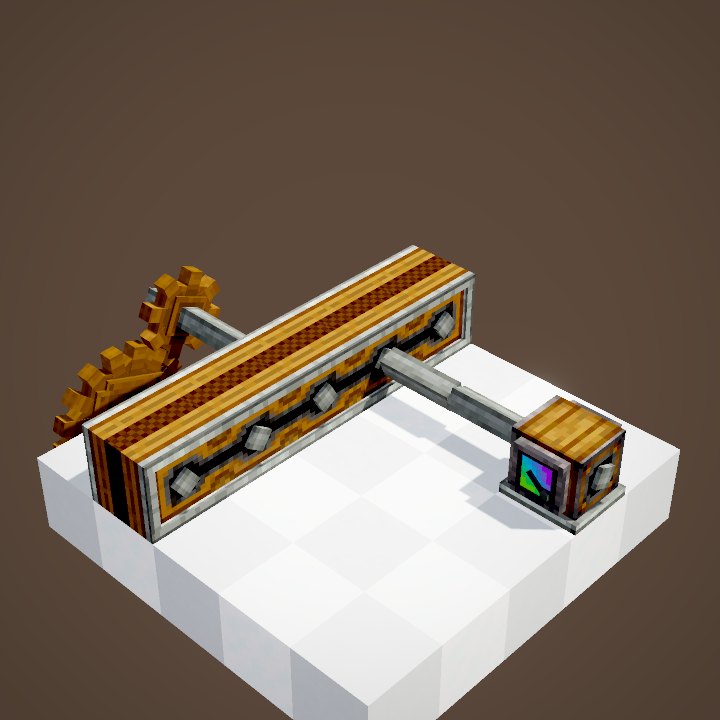 Encased Chain Drive and Adjustable Chain GearshiftKinetics
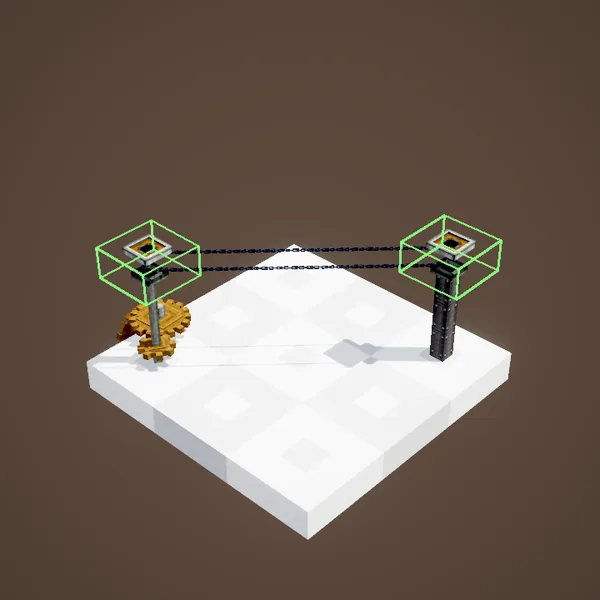 Chain Conveyor and Package FrogportPackage network
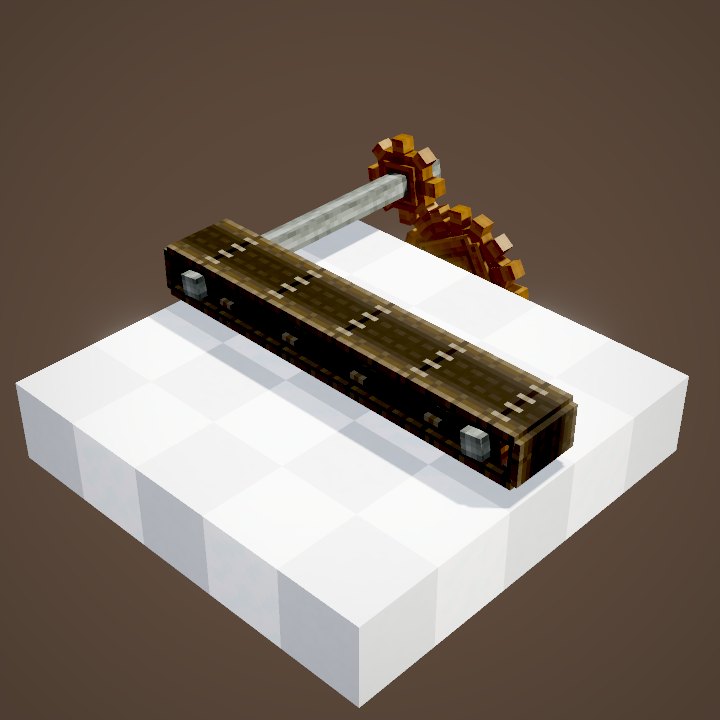 Mechanical BeltLogistics
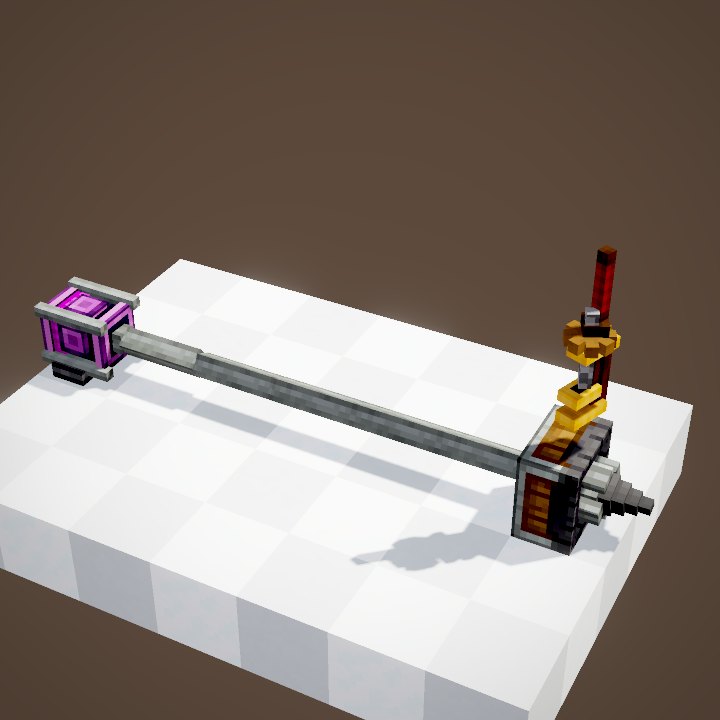 WrenchTools and equipment
Sources for the numbers (Create Create Bits 'n' Bobs 2.3.5 · Create 6.0.10 code)
- Create Bits 'n' Bobs 2.3.5 (bits_n_bobs-2.3.5.jar from the next Create France modpack release): code from the public repository github.com/Aztech-Modding/Create-Bits-n-Bobs at commit 3794a38 "2.3.5", recipes from the jar's data folder, Ponder scenes replayed by our engine.
- Mod by Cake, Kipti, NormalGuy, Astral and Spydnel, MIT licence: models and textures by its authors, rendered from the jar; no text from the mod is copied.
- Link types: content/kinetics/cogwheel_chain/types/BnbCogwheelChainTypes.java (chain; belt: Mechanical Belt item, permitsAxisChange false; rope: c:ropes tag; belt and rope limited to the bits_n_bobs:flanged_cogwheel tag).
- Placement and cost: placement/CogwheelChainPlacementInteraction.java, graph/PlacingCogwheelChain.java (max(round(factor × length / 5), 1)), placement/ChainInteractionFailedException.java (path rules); limits: foundation/config/BnbServerConfig.java (cogwheelMaxNodeCount 64, cogwheelMaxBounds 64).
- Carriage: content/kinetics/cogwheel_carriage/block/CogwheelChainCarriageBlock(Entity).java; hanging: riding/CogwheelChainRidingHelper.java (create:chain_rideable tag); wood skins: content/decoration/cogwheel_material/CogwheelMaterialBehaviour.java (minecraft:planks tag).
- Recipes: data/bits_n_bobs/recipe/crafting/small_bevel_cogwheel.json, large_bevel_cogwheel.json, cogwheel_chain_carriage.json; casings: registry/content/blocks/encased/BnbEncasedBlockLists.java.
Original texts and animations by Create France, rendered from the mod's Ponder scenes. Create is a mod by the Create Team, not affiliated with Create France.