Create Wiki · Create Connected
Kinetic Bridge
The Kinetic Bridge links two networks without merging them. On the input side it behaves like a machine with a fixed stress cost; on the output side, like a source that provides exactly that much, at the same speed. The two networks stay separate: an overload downstream does not travel back to your water wheel.
Quick facts
- Size
- 2 blocks: input and output, placed together
- Setting
- impact per RPM from 1× to 65,536×, 16× by default
- Speed passed on
- same as the input
- Capacity provided
- equal to the stress taken at the input
- Mod id
- create_connected:kinetic_bridge
- Version
- Create Connected 1.3.3 · Create 6.0.10



Placing the bridge
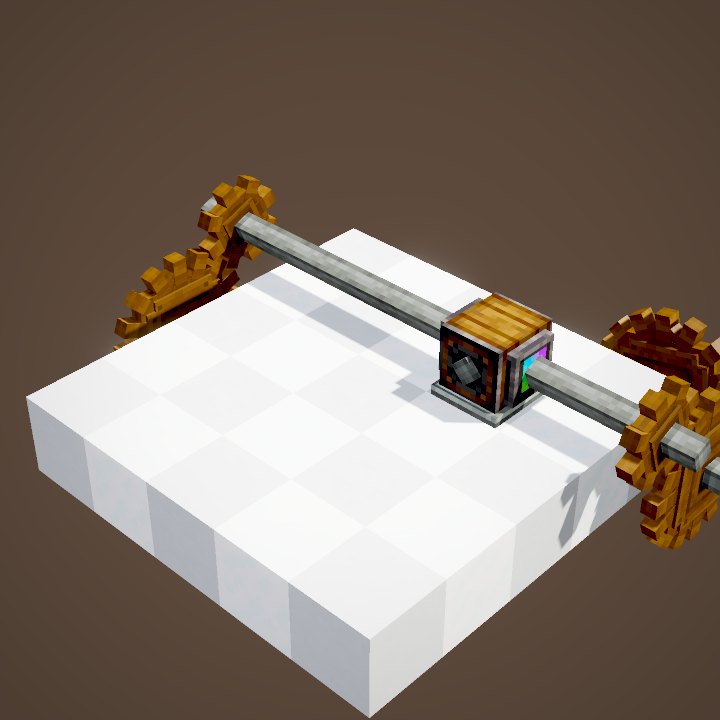
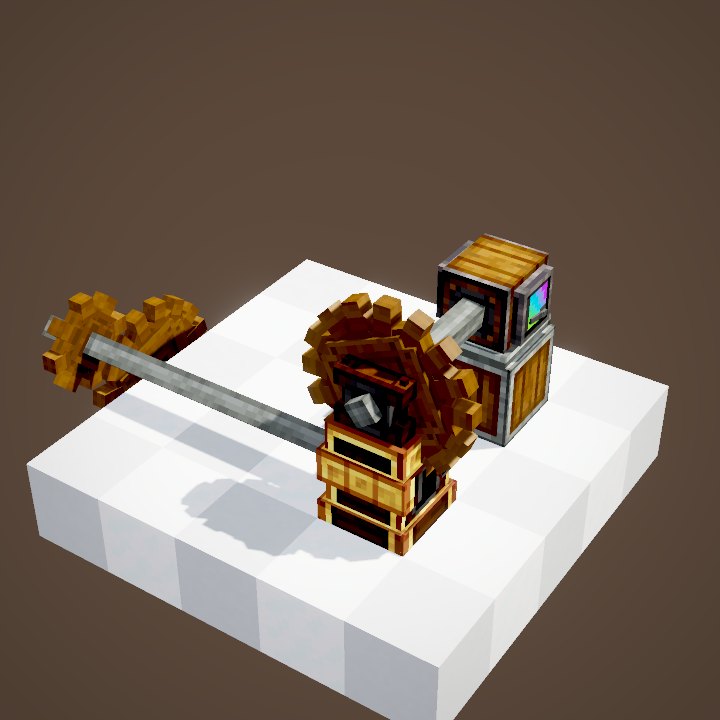
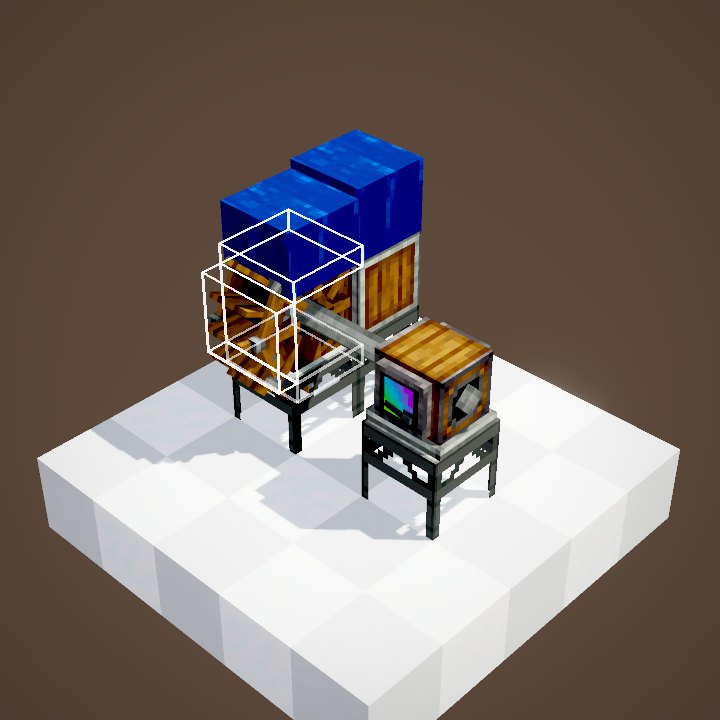
The bridge takes two blocks: when you place it, the output part appears in front of the input part, and that space must be free. Rotation comes in at the back and leaves on the far side. In the scene, a Water Wheel goes through a Rotation Speed Controller, drives two saws and the bridge, and the bridge runs two more saws.
Two networks, not one
As far as Create is concerned, these are two different networks. Upstream, the bridge counts as a machine; downstream, as a source. A Stressometer on each side makes it clear: the capacity offered downstream is exactly the impact taken upstream, and the speed matches on both sides.
Setting the transferred capacity
Right-click the bridge's panel to pick the impact per RPM, shown as "16x". The scale is logarithmic: the value doubles every ten notches, from 1× to 65,536×. At 16× and 64 RPM the bridge takes 1,024 SU upstream and offers 1,024 downstream. Set it just above what the downstream side really needs, no more.
Overload downstream
Add one saw too many on the output network: it overstresses and stops, smoking. The input network keeps going as if nothing happened, because the bridge still asks it for the same amount. That is the whole point: a mistake in one workshop no longer halts the main line.
Overload upstream
The reverse does not work. If the input network goes over its capacity, it stops, and the bridge with it: nothing reaches the downstream side. In the scene the source has 256 SU, the two saws take 72 SU each and the bridge asks for 144, so 288 SU in total: too much. The bridge keeps its demand even when it no longer passes anything on.
Guarding the source with a clutch
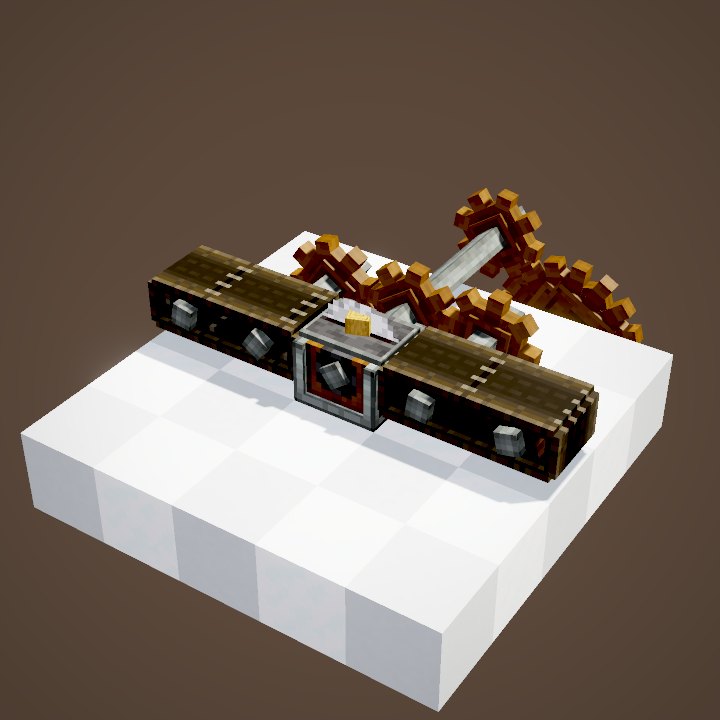
The fix: an Overstress Clutch between the source and the bridge. When the source saturates, the clutch lets go, the bridge drops to 0 SU and the upstream saws start again with 144 SU out of 256. Once the problem is solved, reset the clutch with the Wrench or a redstone pulse.
When to use it
The bridge is for sharing a big source between several independent workshops, each with its own quota, or for shielding a main line from experiments. It does not change the speed and creates no energy: whatever it offers downstream, it takes upstream. To keep rotation in reserve, look at the Kinetic Battery instead.
Common mistakes
First trap: placing the bridge backwards. The input shaft must touch the network that supplies the power, otherwise nothing gets through. Second trap: a setting that is too high. The bridge reserves its whole demand upstream even when the downstream side only uses part of it, which can push the source into overstress. Finally, two bridges fed by the same network add up their demands: check every stage with a Stressometer before you grow the factory.
Related pages


Sources for the numbers (Create Create Connected 1.3.3 · Create 6.0.10 code)
- Create Connected 1.3.3 (create_connected-1.3.3-mc1.21.1.jar from the next Create France modpack release): code from the public repository github.com/hlysine/create_connected at tag 1.3.3-mc1.21.1, recipes from the jar's data folder, Ponder scenes replayed by our engine.
- Mod by Lysine (hlysine), GNU AGPL v3 licence: models and textures by its authors, rendered from the jar; no text from the mod is copied.
- Kinetic Bridge: content/kineticbridge/KineticBridgeBlockEntity.java (default value 40), StressImpactScrollValueBehaviour.java (2^(value/10), panel capped at 160 notches), KineticBridgeDestinationBlockEntity.java (speed and capacity copied from the input), KineticBridgeBlock.java (output part placed in front).
- Recipe: data/create_connected/recipe/crafting/kinetics/kinetic_bridge.json; scene: ponder/KineticBridgeScene.java (values of 256, 72 and 144 SU).
Original texts and animations by Create France, rendered from the mod's Ponder scenes. Create is a mod by the Create Team, not affiliated with Create France.