Create Wiki · Create: Coasters Simulated
Track and chain lifts
Coaster Track is stretched between two Track Anchorpoints: the mod works out a smooth curve, which you then reshape with the Wrench. A chain lift, driven by a Create shaft, hauls the carts up the climbs.
Quick facts
- Reach
- up to 45 blocks per span
- Cost
- the span length in tracks (free in creative)
- Per anchor
- 2 spans at most
- Smoothing
- automatic, turned off with Alt
- Dye
- dyes (not consumed); an axe removes the colour
- Chain lift
- 64 blocks at most; speed 16 × RPM / 256 blocks/s
- Track
- sequenced assembly on a Metal Girder
Crafting table recipe (Track Anchorpoint)


 2
→ 2 Track Anchorpoints
- 1 ×Metal Girder
- 1 ×Block of Industrial Iron
Stretching a span
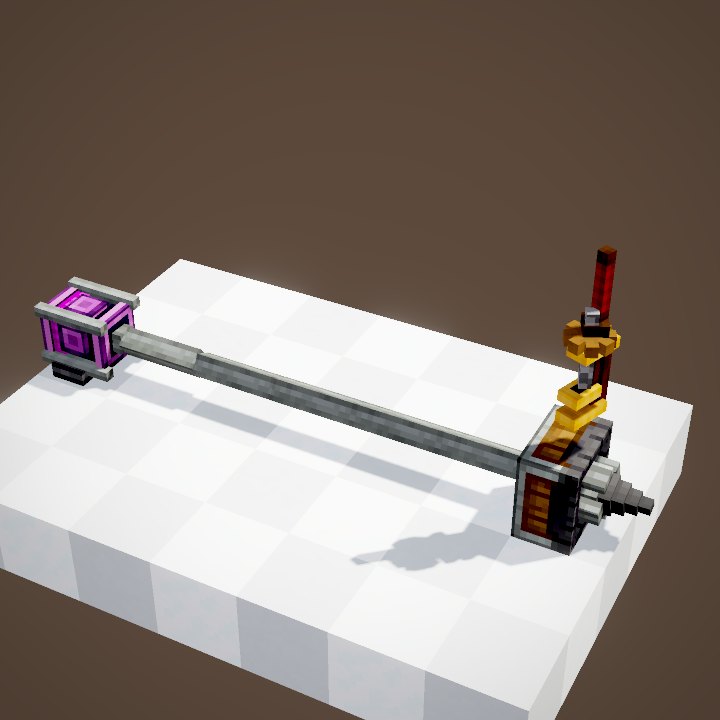
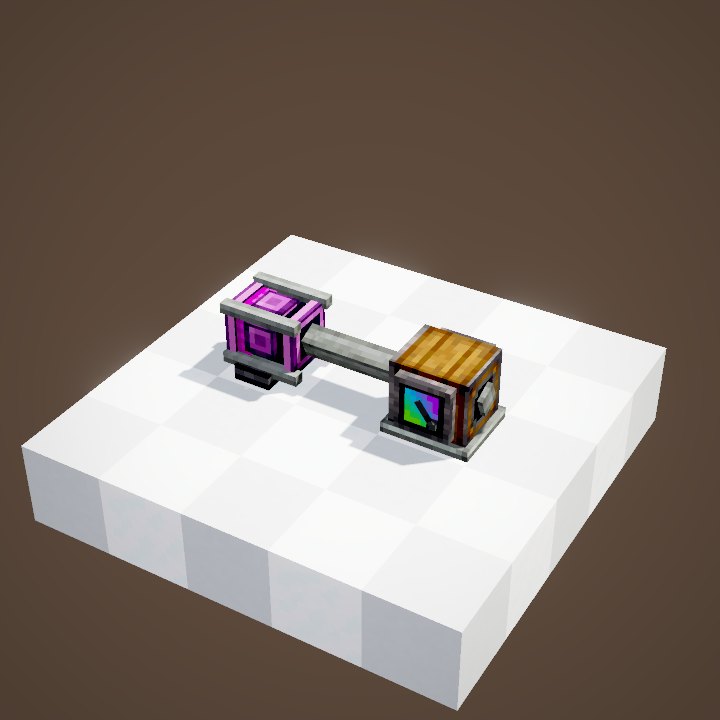
Place two anchorpoints; they look like small pedestals. With track in hand, click the first then the second: a curve stretches between them, and as many tracks as blocks of distance are spent (none in creative). Sneaking cancels the selection. A span is 45 blocks at most, cannot link two different machines or cross itself, and an anchor holds only two spans.
Shaping the curve with the Wrench

The wrench shows handles on the span. You can stretch or swing each end's handles (up to 0.7 times the distance and 60° off the axis), lift an anchorpoint by 0.25 to 2.5 blocks, and bank the track up to 90°, in 15° steps. Alt turns the steps off. In the video, straight track becomes an S.
Smoothed circuits

When several anchors are joined in a row, the mod picks the gentlest shape: a full loop, a half circle, a quarter circle or, failing that, an optimised Bézier curve, and blends each span into the previous one. Holding Alt while placing turns smoothing off to keep the raw curve. Angles that are too tight (under 80° between two spans) are refused.
Dyeing the track

Right-clicking a span with a dye colours it, without using the dye up: the rails take the colour, the centre beam keeps its own. An axe removes the colour, one layer at a time, without wearing out. Anchors and girders stay grey. For a readable circuit, keep one colour per section.
Placing a chain lift
A plain Minecraft chain, not consumed, is the tool: click the starting anchor, then the end of the stretch you want on the connected track. The chain runs along the middle of the track for 64 blocks at most, without overlapping another chain. The shaft axis is picked from where you look on the first click.
Driving the chain

The starting anchor gets a shaft: connect it to a Create network, like a Shaft. The chain moves at 16 × RPM / 256 blocks per second, so 16 blocks/s at 256 RPM, and pulls carts toward that speed (64 blocks/s² of acceleration). The wrench turns the shaft's axis; sneaking, it removes the chain, as at the end of the video.
Layout tips
Sketch the outline with the anchors alone first, then stretch the track: a misplaced anchor is easier to fix before the track exists. Keep spans short in tight bends and long on straights.
Track will not place?
Check the distance (45 blocks at most), that the anchor does not already hold two spans, and that the angle with the neighbouring span is not too tight. In survival you also need enough track in hand for the whole length.
Making track and anchors
Related pages




Sources for the numbers (Create 6.0.10 · Create: Coasters Simulated 0.1.6 code)
- Code and data: Create: Coasters Simulated 0.1.6 (modpack test instance jar, MIT licence, © SilverGold); code read from the decompiled 0.1.5 (Vineflower, public sjzeero fork) and compared with 0.1.6 using javap
- Track: CoasterTrackItem.java, CoasterTrackPlacement.java, CoasterTrackGauge.java, CoasterCircularLoopPlacement.java, CoasterCurveDyeInteraction.java, CoasterCurveTieredDye.java
- Chain lift: ChainLiftCommitPayload.java, ChainLiftConfig.java, CoasterCartChainLiftDrive.java
- Recipes: data/simulatedcoasters/recipe/coaster_anchorpoint.json, sequenced_assembly/coaster_track.json
- Videos: Create: Coasters Simulated Ponder scenes (coaster_track/ponder_track_placement, coaster_track/ponder_chainlift) replayed by our engine; tracks drawn after AnchorPeerTrackCurveBerRender and Create’s BezierConnection; mod models and textures (MIT licence, © SilverGold)
Original texts and animations by Create France, rendered from the mod's Ponder scenes. Create is a mod by the Create Team, not affiliated with Create France.