Create Wiki · Create: Radars
Sky Radar Mount and Plane Radar
Two specialised radars round off the bearing radar. The Sky Radar Mount carries the same radar but only looks upward, with twice the range per antenna. The Plane Radar fits in one block, does not spin, and scans a cone ahead of the ship carrying it.
Quick facts
- Sky radar
- 64 blocks of range per antenna, 4,096 at most
- Minimum altitude
- Y = 85 (server setting)
- Sky radar coverage
- everything above its horizon, no ceiling
- Plane Radar
- 45° cone, 256 blocks, fixed range
- Obstacles
- signal stopped past 8 solid blocks (both radars)
- Version
- Create: Radars 5.1.2 · Create 6.0.10


The Sky Radar Mount
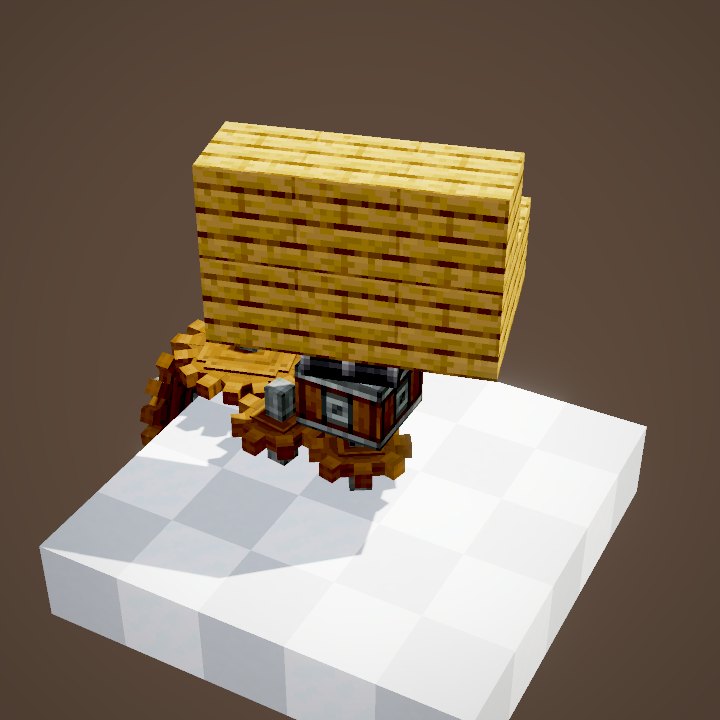
The Sky Radar Mount replaces the Radar Bearing. It is a shaft-driven base: rotation comes in from below, and a turning plate one block up swings the radar. Its recipe (shown here) surrounds a Mechanical Bearing with four Shafts, two Iron Sheets and two Electron Tubes. It costs more to make, but the radar on top sees much further.
The same radar on top

You build exactly the same radar as on a bearing: a receiver and plates or dishes that touch. The receiver has to stay lined up with the mount. Each antenna is worth 64 blocks here, twice as much as on the ground, up to 4,096 blocks. The scene turns the radar a quarter at a time; we added the shaft and Gearbox spinning during the motion.
Connected like any radar

Nothing changes for the network: click the Network Controller while holding a Data Link, then fix the link against the mount. Sky radar contacts reach the same Monitors as the other radars, and get their own symbol on an enemy warning receiver.
A minimum altitude

The sky radar only works high up: by default its mount has to sit at Y = 85 or above. Lower down it stays silent, and a message reminds you of the required height. Put it on top of a tower, on a mountain, or on an airship.
Nothing below the horizon

Its weakness: it sees nothing below its own horizon. A creature on the ground, lower than the radar, slips past it however close it is, like the dancing parrot in the scene. For close defence, keep a bearing radar, which looks 32 blocks above and below itself.
No ceiling

Upward, on the other hand, it has no limit: anything flying above it and within range is detected, at any height. It is the radar for airfields and air defence, against Create Aeronautics airships and planes.
The Plane Radar
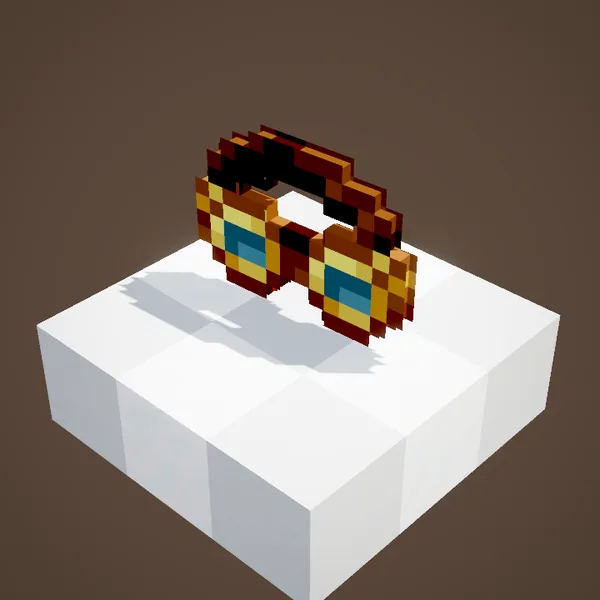
The Plane Radar packs a whole radar into one block, with no bearing and no rotation: it needs no power at all. It is crafted from a Radar Receiver Block with three Radar Dishes around it, on top of Brass Casing. It only shows in the creative tab with Sable, the Create Aeronautics physics, because it is made for ships and aircraft.
A fixed cone ahead of the ship
It scans a 45° cone in front of its face, out to 256 blocks, and that range cannot be raised. On a ship it looks where the ship is going: turn the vessel to sweep. It follows the heading but not the pitch. Like the sky radar, its signal gets through no more than 8 solid blocks.
Connecting it to the network

Connecting follows the rule of every link: holding a Data Link, right-click the Network Controller, then place the link against the Plane Radar. Its contacts then reach the network's Monitors and weapons. On a ship, keep the controller and the Monitor on board.
Related pages


Sources for the numbers (Create Create: Radars 5.1.2 · Create 6.0.10 code)
- Create: Radars 5.1.2 (create_radar-5.1.2-1.21.1.jar from the next Create France modpack release): code from the public repository github.com/Arsenalists-of-Create/Create-Radar (NeoForge 1.21.1 branch, commit 8a7766a, version 5.1.2), recipes from the jar's data folder, Ponder scenes (PonderScenes.java) replayed by our engine.
- Mod by Aycer, HappySG, CeoOfGoogle, Kipti, OndatraCZE, Ray (furuochen) and KrimZik (Arsenalists of Create), under the Arsenalists-of-Create Source-Available License: models and textures by its authors, rendered from the official, unmodified jar; no text from the mod is copied. Official download: modrinth.com/mod/create-radars.
- Sky radar: SkyRadarBlockEntity (range = antennas x skyRadarDishRangeIncrease 64, capped at maxSkyRadarRange 4,096); config/server (skyRadarMinY 85, skyRadarFOV 90, skyPlaneRadarMaxSolidBlocks 8); render: SkyRadarRenderer (turning plate, top shaft); recipe: data/create_radar/recipe/crafting/sky_radar_mount.json.
- Plane Radar: StationaryRadarBlock / StationaryRadarBlockEntity, config/server planeRadarRange 256; 45° cone and ship heading: the block's tooltip and code; recipe: crafting/plane_radar.json; Sable only: registry/ModCreativeTabs.java.
- Scenes: PonderScenes.skyRadarSetup (sky_radar_ponder.nbt, parrots drawn from the vanilla model) and planeRadarSetup (plane_radar_ponder.nbt); the shaft spinning during the turn is an addition of our render.
Original texts and animations by Create France, rendered from the mod's Ponder scenes. Create is a mod by the Create Team, not affiliated with Create France.