Create Wiki · Create Propulsion: Simulated
Redstone Transmission
The Redstone Transmission is a shaft split in two: what comes in on one side leaves the other at a speed set by redstone, from stopped to full speed, in 256 steps. It is used to throttle a propeller, a winch or a pump from a control desk. The page also covers the Redstone Converter.
Quick facts
- Output
- input × shift / 256
- Direct mode
- shift = strongest signal / 15 × 256
- Incremental mode
- goes up or down by the difference of the two sides, about every 10 ticks
- Comparator
- shift / 256 × 15
- Stress
- none
- Dial
- a needle that follows the shift
- Converter
- fixed output signal from 1 to 15
Crafting table recipe




→ 1 Redstone Transmission
- 3 ×Redstone Dust
- 1 ×Redstone Comparator
- 2 ×Electron Tube
- 1 ×Brass Casing
A speed-controlled shaft
Rotation comes in on one side of the axis, from the network's source, and leaves on the other side multiplied by the shift, a number from 0 to 256: at 0 the output stands still, at 128 it turns at half speed, at 256 at the input's speed. The dial on the front shows the position, and two + and − lights turn red with the signal received on the sides. The transmission uses no stress.
Direct mode

In direct mode, the shift follows the strongest signal received on any face: signal / 15 × 256. In the video, an analog lever at 7 gives a shift of 119 and the output turns at 7/15 of the input; at 15 it catches up with the input. It is the simple way to set a speed remotely, with a Redstone Link.
Incremental mode
The scroll value on the back face switches to incremental mode. The transmission then keeps its position when the signal goes away: the side marked + raises it, the side marked − lowers it, faster with a stronger signal, in steps roughly every ten ticks. A button is enough to speed up or slow down one notch, like a throttle lever.
Both sides at once

If both sides receive a signal, the difference is what counts: 12 on the + side and 4 on the − side raise it by 8 each step, as in the last part of the video. A Speedometer on the output helps hit the target, and a comparator reads the position from 0 to 15.
Ideas
The transmission shines wherever a speed must change without stopping the network: throttling the propellers of an Aeronautics airship with a single lever, slowing a drill when the load gets too heavy, metering a pump that fills a tank. In incremental mode, two "plus" and "minus" buttons at the cockpit make a throttle that keeps its position. It is crafted from a comparator, two electron tubes, a brass casing and three redstone dust.
Reading its state
With Engineer's Goggles, the transmission shows its mode and setting: out of 15 in direct mode, out of 256 in incremental mode, with the resulting output speed. The dial on the front gives an idea at a glance, and the needle eases to its new position.
Stress and network
The transmission asks for no stress itself. The output shares the input network's capacity: slowing the output down does not create any extra power, it only lowers the speed of what follows.
The Redstone Converter

The Redstone Converter is a small diode: as soon as it gets a signal on its input face, even of strength 1, it outputs a fixed signal set with the scroll wheel, from 1 to 15 (15 by default). It turns a simple button into an exact command for a transmission, a thruster or a Tilt Adapter. Its recipe takes two torches, a platinum sheet, redstone and a Simulated Redstone Accumulator.
Related pages
 Create Propulsion: SimulatedCreate Propulsion: Simulated
 Tilt AdapterCreate Propulsion: Simulated
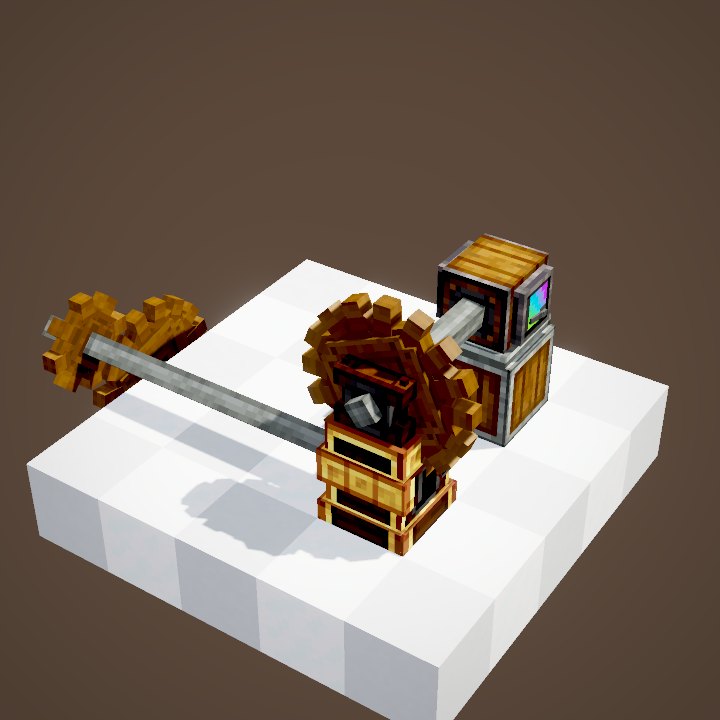 Rotation Speed ControllerRedstone
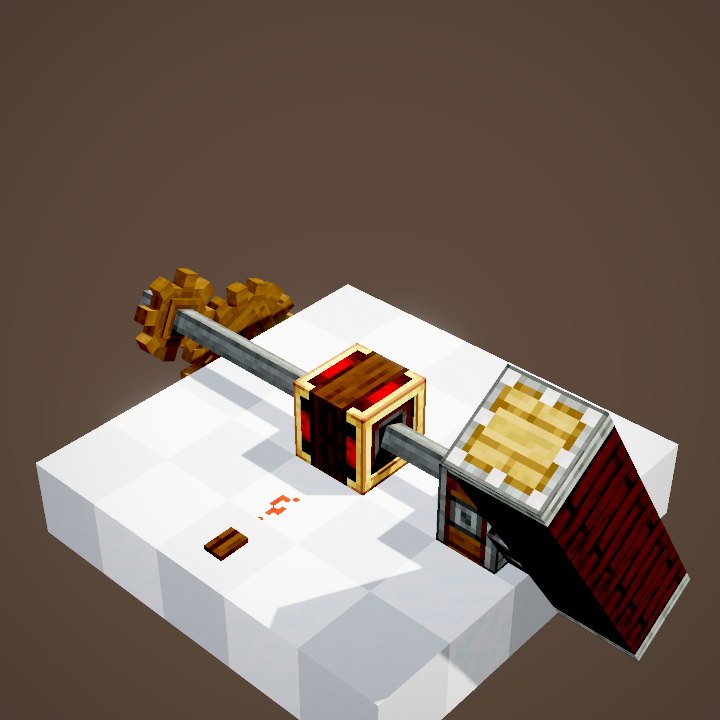 Sequenced GearshiftRedstone
 Redstone Link and Linked ControllerRedstone
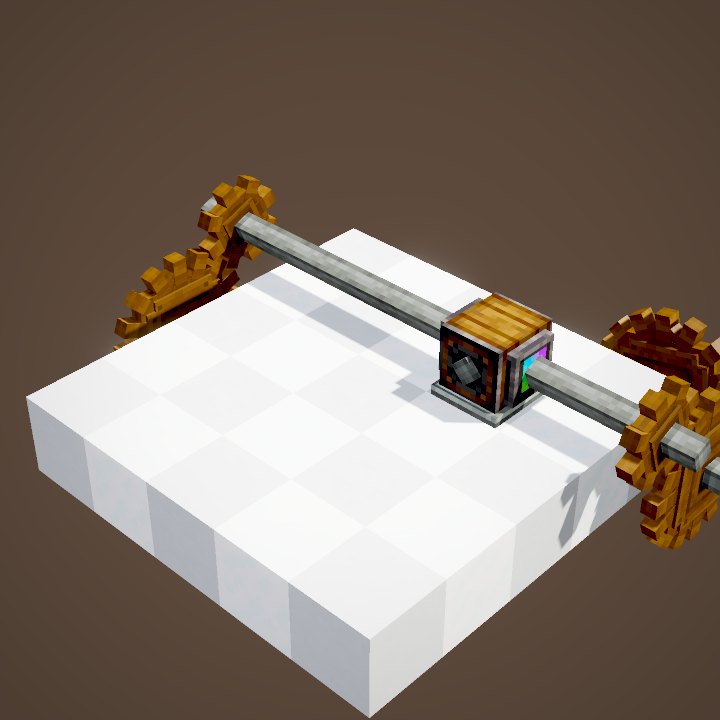 Stressometer and SpeedometerKinetics
 ThrusterCreate Propulsion: Simulated
 Simulated redstoneCreate Aeronautics
Sources for the numbers (Create 6.0.10 · Create Propulsion: Simulated 1.1.5 code)
- Code, data and storyboards: Create Propulsion: Simulated 1.1.5 (Propulsion-Team/create-propulsion-simulated repository, commit 36f83a1 of 2026-07-23, MIT licence, © Sergey Feduk, Tronco_78, Bunting_chj, SSnowly, KyivSec), identical to the modpack test instance jar
- Transmission: RedstoneTransmissionBlockEntity.java (MAX_VALUE 256), RedstoneTransmissionRenderer.java
- Converter: RedstoneConverterBlock.java, RedstoneConverterBlockEntity.java
- Recipes: data/createpropulsion/recipe/crafting/redstone_transmission.json, redstone_converter.json
- Videos: Create Propulsion: Simulated Ponder scenes (redstone_transmission (two storyboards)) replayed by our engine; mod models, textures and particles (MIT licence, © Propulsion Team)
- Images: mod blocks placed on the plate and rendered by our engine (MIT licence, © Propulsion Team)
Original texts and animations by Create France, rendered from the mod's Ponder scenes. Create is a mod by the Create Team, not affiliated with Create France.